Hreflang and alternate tags for multilingual webshops
Guide to creating hreflang alternate tags for products in Shoporama stores running in multiple languages.
If you have a multilingual online store, you should use hreflang tags to tell Google which language versions of a page belong together. This helps search engines display the correct language version to users in different countries.
What is hreflang?
Hreflang is an HTML attribute placed in the page’s `<head>` section. It tells Google that a page is available in multiple languages and links to the other language versions.
<link rel="alternate" hreflang="da" href="https://dinshop.dk/mit-produkt" />
<link rel="alternate" hreflang="en" href="https://dinshop.dk/en/my-product" />
Add hreflang to your theme
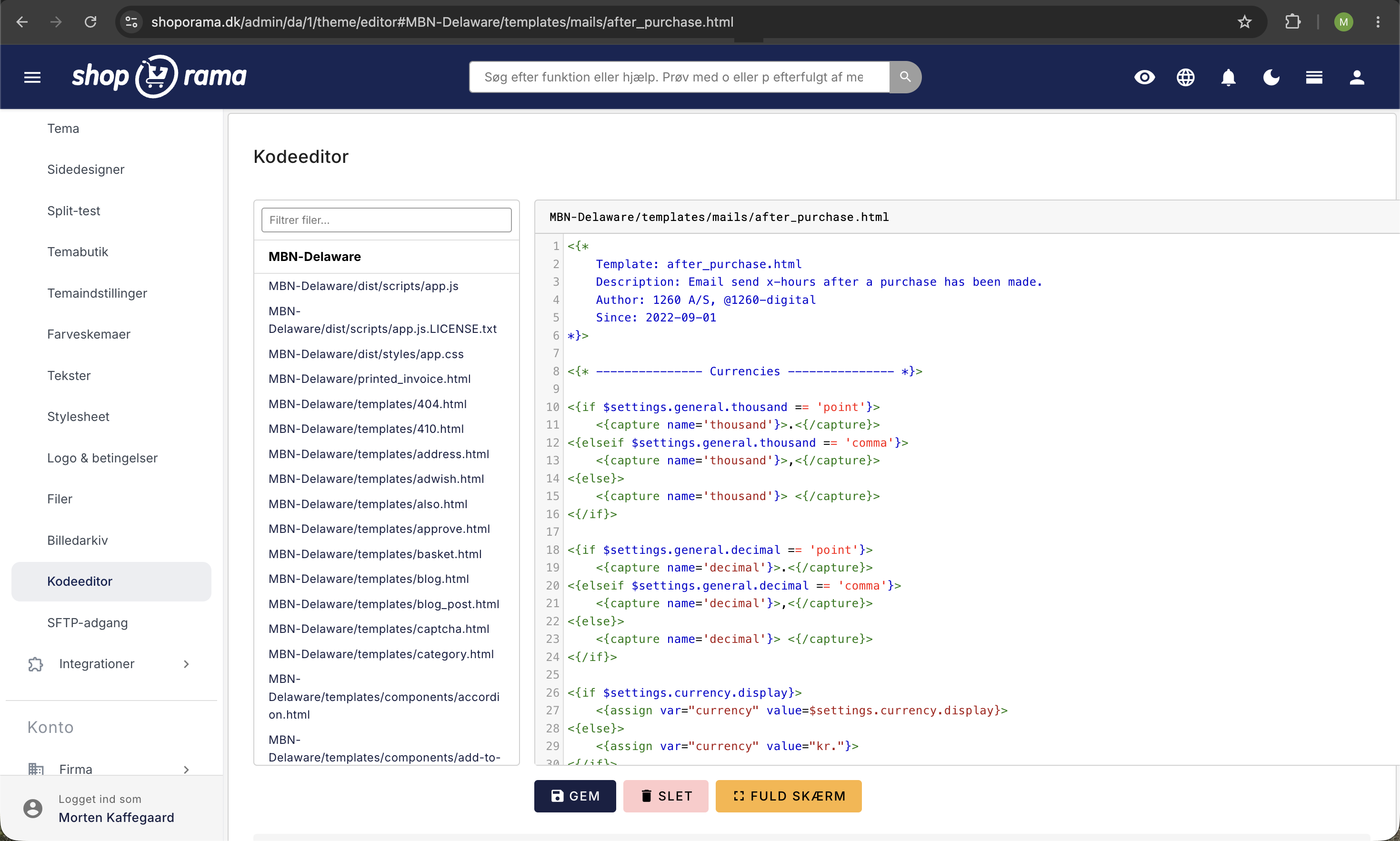
Shoporama does not automatically generate hreflang tags—you must add them yourself in your theme’s header template. Add the following to the <head> section of your global template:
<{if $product}>
    <link rel="alternate" hreflang="da" href="<{$webshop->getUrl(1)}><{$product->getUrl()}>" />
    <link rel="alternate" hreflang="en" href="<{$webshop->getUrl(1)}>/en<{$product->getUrl()}>" />
<{/if}>
Adjust the language codes and URL structure to match the languages you have enabled in your online store. Shoporama uses the language code as a prefix in the URL (e.g., /en/, /de/, /sv/).
Stores on Different Domains
If you have separate online stores for different countries (e.g., dinshop.dk and dinshop.no), you can link them together using hreflang tags that point across domains:
<link rel="alternate" hreflang="da" href="https://dinshop.dk<{$product->getUrl()}>" />
<link rel="alternate" hreflang="no" href="https://dinshop.no<{$product->getUrl()}>" />
<link rel="alternate" hreflang="x-default" href="https://dinshop.dk<{$product->getUrl()}>" />
Tip
Always add an x-default tag that points to your primary language version. This tells Google which version to display to users when no specific language version applies.
Translate product texts
For hreflang to work properly, your products must have translated titles and descriptions. Switch languages at the top of the admin panel to edit products in the relevant language.
Need help? Contact us at support@shoporama.dk.
Related articles
Add multiple products to the basket at a time
Guide to implementing an 'add more to cart' feature, for example on landing pages or wholesale pages.
Update the cost price of multiple products at once
Guide to mass edit the cost price (purchase price) of multiple products in the Shoporama admin.
Age verification on products
Guide to setting up age verification on products in Shoporama. Set the age requirement to 16 or 18 years and let the payment gateway handle the...