Close your webshop
Guide to closing your Shoporama online store temporarily or permanently.
If you want to temporarily or permanently close your online store, you can put it into maintenance mode or cancel your subscription.
Temporary Closure (Maintenance)
To temporarily close your store without canceling your subscription:
- Click the gear icon in the top-right corner of your admin panel
- Go to Settings
- Enable Maintenance Mode
- Click Save
In Maintenance Mode, visitors will see a message stating that the shop is temporarily closed. You still have full access to the admin panel.
Permanent Closure
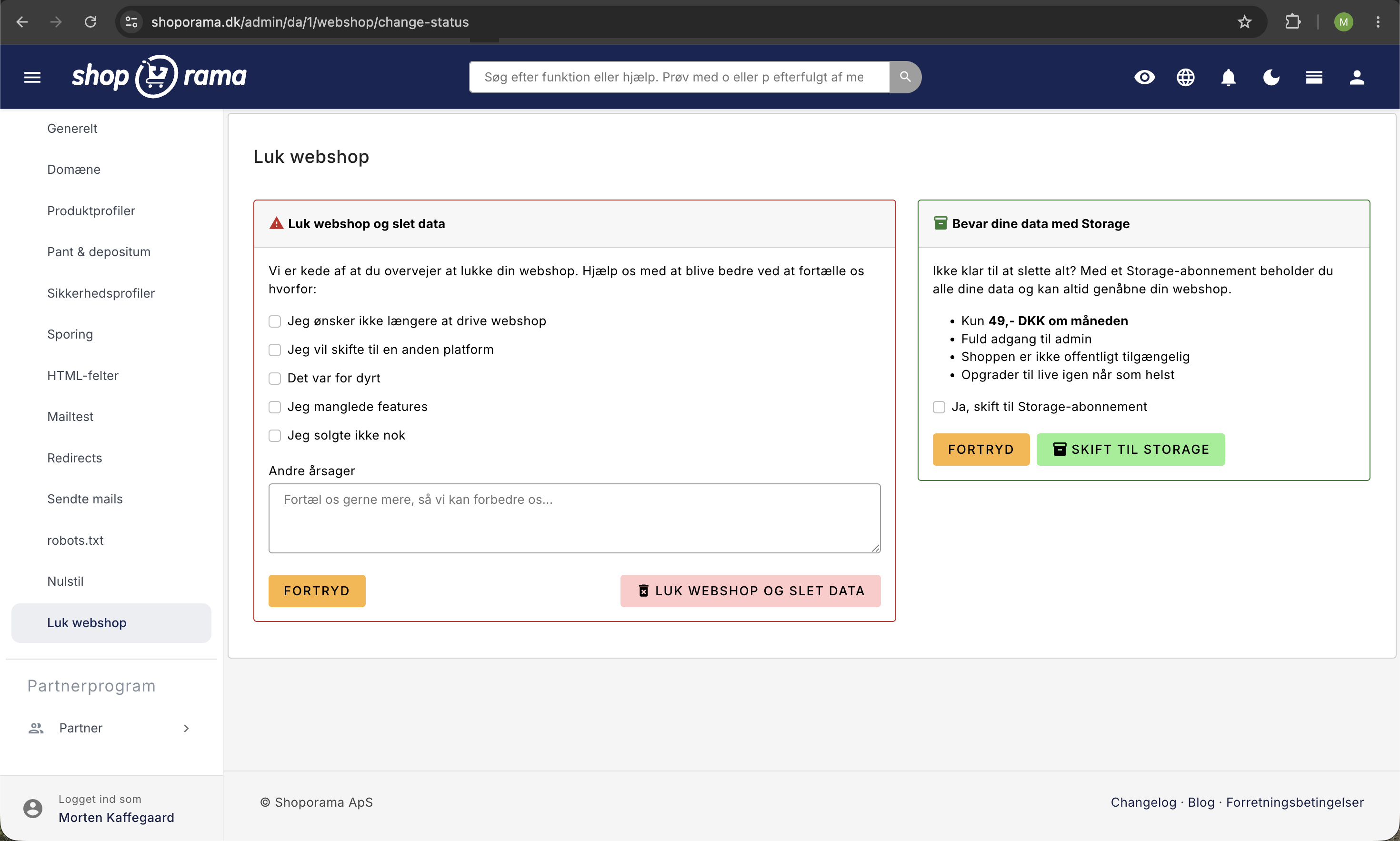
To close your store permanently, you must cancel your subscription. Before you do so, we recommend:
- Back up your data — export your data (products, orders, customers)
- Notify customers — let any waiting customers know
- End integrations — cancel any third-party subscriptions
- Cancel your subscription — under Webshop → Close Webshop
Note
Once your subscription is canceled, your store and all data will be deleted after a certain period. Be sure to back up everything you want to keep.
Need help? Contact us at support@shoporama.dk.
Related articles
Protect your webshop from spam orders
Guide to protecting your Shoporama webshop from spam orders and fraud using blacklist, captcha and 3D Secure.
Filtering on your online store
Guide to setting up filtering on your Shoporama online store so customers can filter products.
Google Analytics 4 (GA4) on your Shoporama online store
How to set up Google Analytics 4 on your Shoporama online store. Built-in GA4 integration with e-commerce events, server-side tracking and Consent...