How to switch to Smarty 4
Guide to upgrading your Shoporama webshop from Smarty 2 to Smarty 4. Smarty 4 is faster, more secure and runs on PHP 8.
Smarty is the template language used to build online store themes on Shoporama. Smarty 4 is the latest version and offers better performance, security, and future-proofing.
Benefits of Smarty 4
- Faster — Smarty 4 runs on PHP 8, which is significantly faster than PHP 7
- More secure — Improved security model and updated dependencies
- Future-proof — All new themes (Delaware, DelawareDK, California, Alaska2, Washington) are built for Smarty 4
How to switch
- Log in to the Shoporama admin
- Go to Account → Webstore → General
- Find the “Smarty version ” field and change the dropdown from 2 to 4
- Click Save and clear the cache
Important
Once you’ve made the change, you should thoroughly test your store. Browse around the site and make sure everything works—especially if you have customizations in your theme.
What is Smarty?
Smarty is a template language that separates logic from presentation. Shoporama is built in PHP, and Smarty is used to generate HTML in the themes. The syntax looks like this, for example:
<{foreach $products as $product}>
  <h2><{$product->getName()}></h2>
<{/foreach}>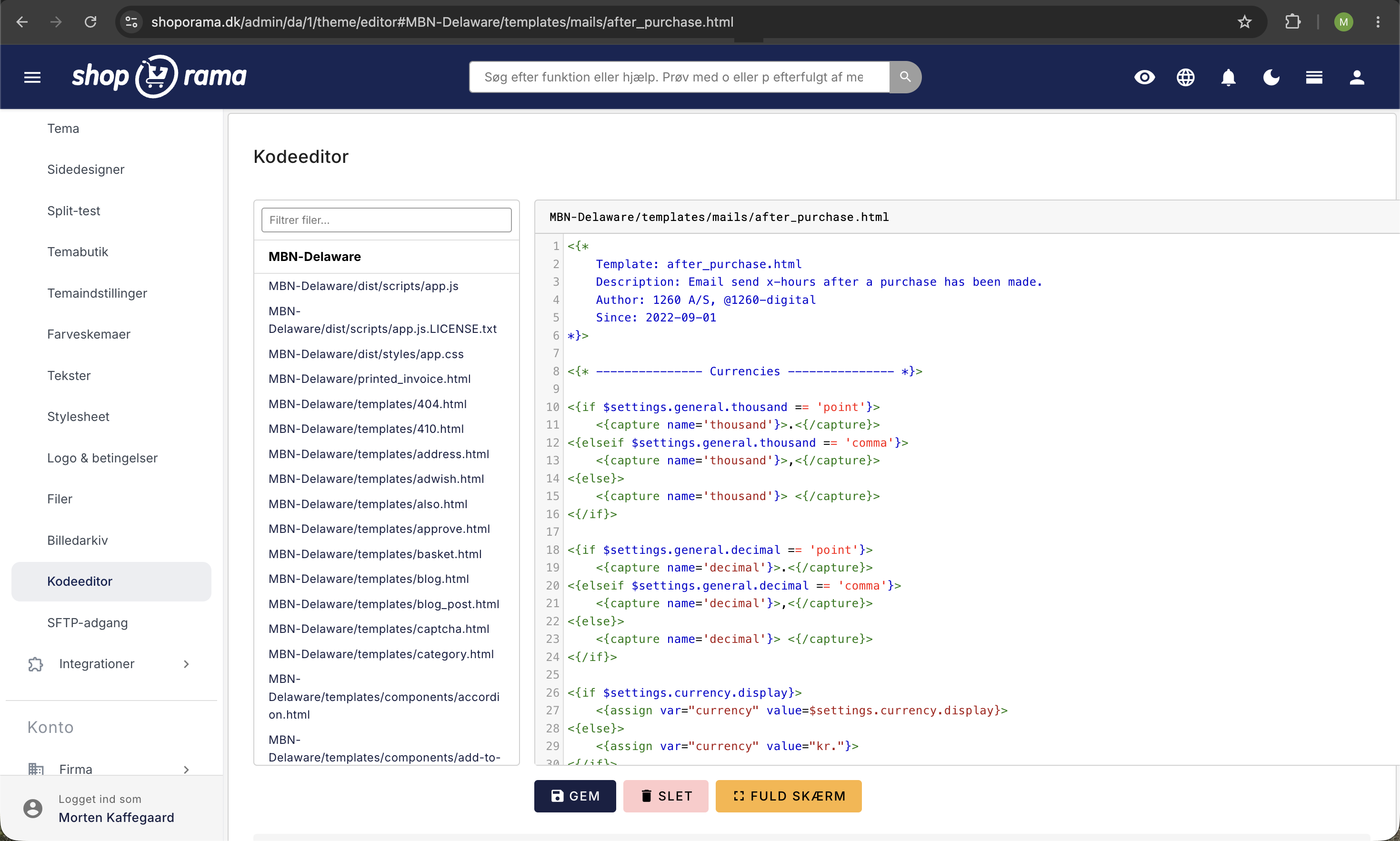
Do you have any questions? Contact us at support@shoporama.dk.
Related articles
Change the content of your emails
Guide to customize the content of the automatic emails your Shoporama webshop sends, either via admin or theme templates.
Checkout flow and shipping calculation
Guide for developers to implement shipping in the checkout flow of a Shoporama theme.
Delaware-themed configuration and customization
Complete guide to setting up the Delaware theme on your Shoporama online store. Footer, mega menu, colors, payment icons, Trustpilot, Instagram...