Resend the order confirmation
Guide to resend the order confirmation to a customer in Shoporama.
Did a customer not receive the order confirmation, or do you need to resend it? You can do this directly from the order in the Shoporama admin.
How to resend the order confirmation
- Go to Orders in the menu
- Click "Edit" next to the order for which you want to resend the confirmation
- Scroll down to the bottom of the order page
- Check the box next to “Resend order confirmation”
- Click Save
The order confirmation will then be sent to the customer’s email address as it appears on the order.
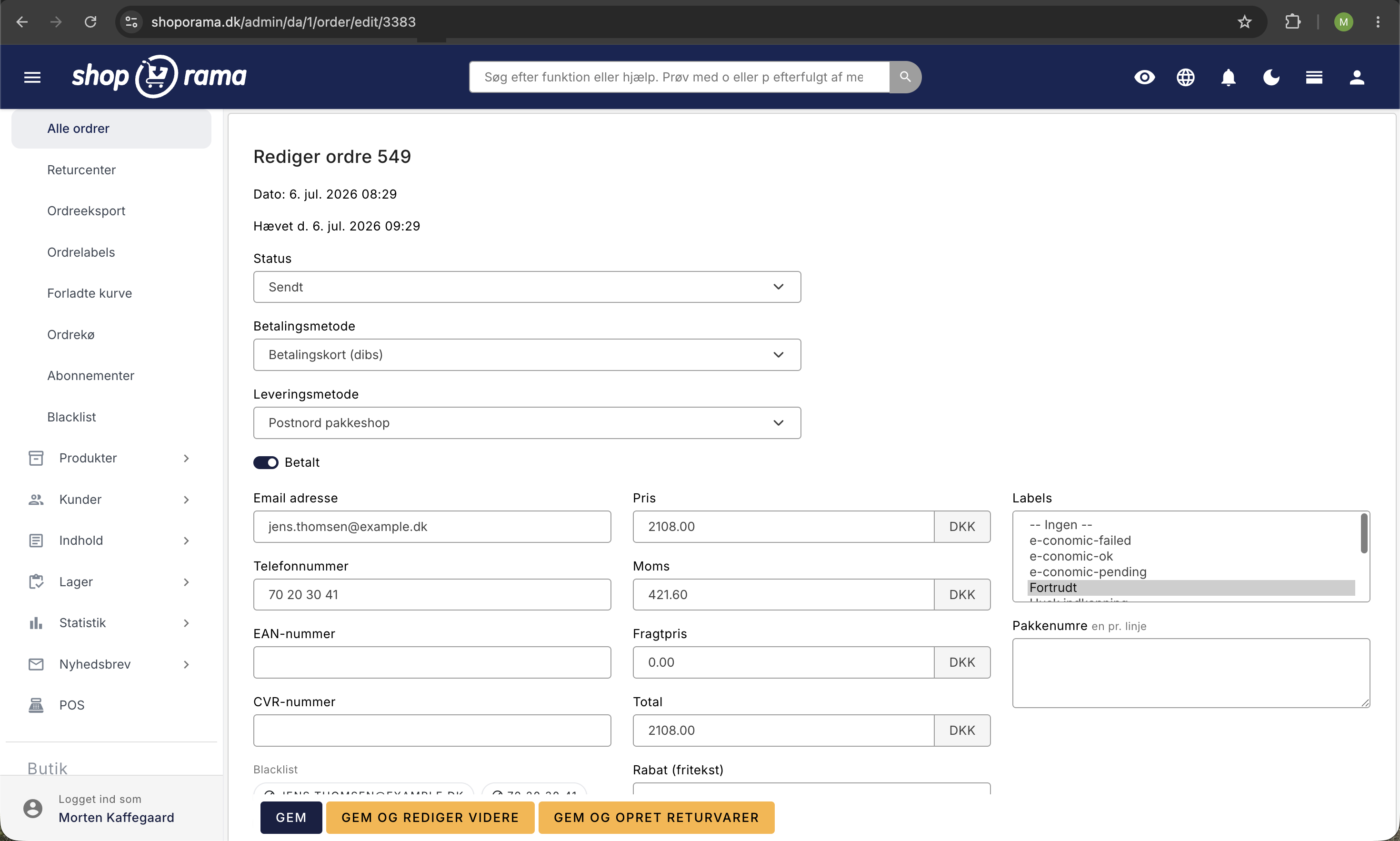
Change the recipient’s email
If the customer entered an incorrect email address, you can correct it on the order before resending. Edit the Email field on the order and click Save—the confirmation will then be sent to the new address.
Tip
You can view all emails Shoporama has sent to a customer under Account → Webstore → Sent Emails. See also the article View emails sent to a customer.
Need help? Contact us at support@shoporama.dk.
Related articles
Customers skip payment and land directly on the order confirmation
Troubleshooting when customers skip the payment in your webshop and land directly on the order confirmation. Almost always due to the EAN field in...
Blacklist - Block unwanted orders
Learn how to use Shoporama's blacklist feature to block spam orders and unwanted customers by blacklisting email, phone number or IP address.
Handle returns
Guide to Shoporama's returns center - handle returns, create credit notes, and manage customer return requests.