How to create the most common landing pages
Guide to creating landing pages in Shoporama with rules for brands, price ranges, extra fields and more.
Landing pages in Shoporama display products based on rules. Here is a guide to creating the most common types.
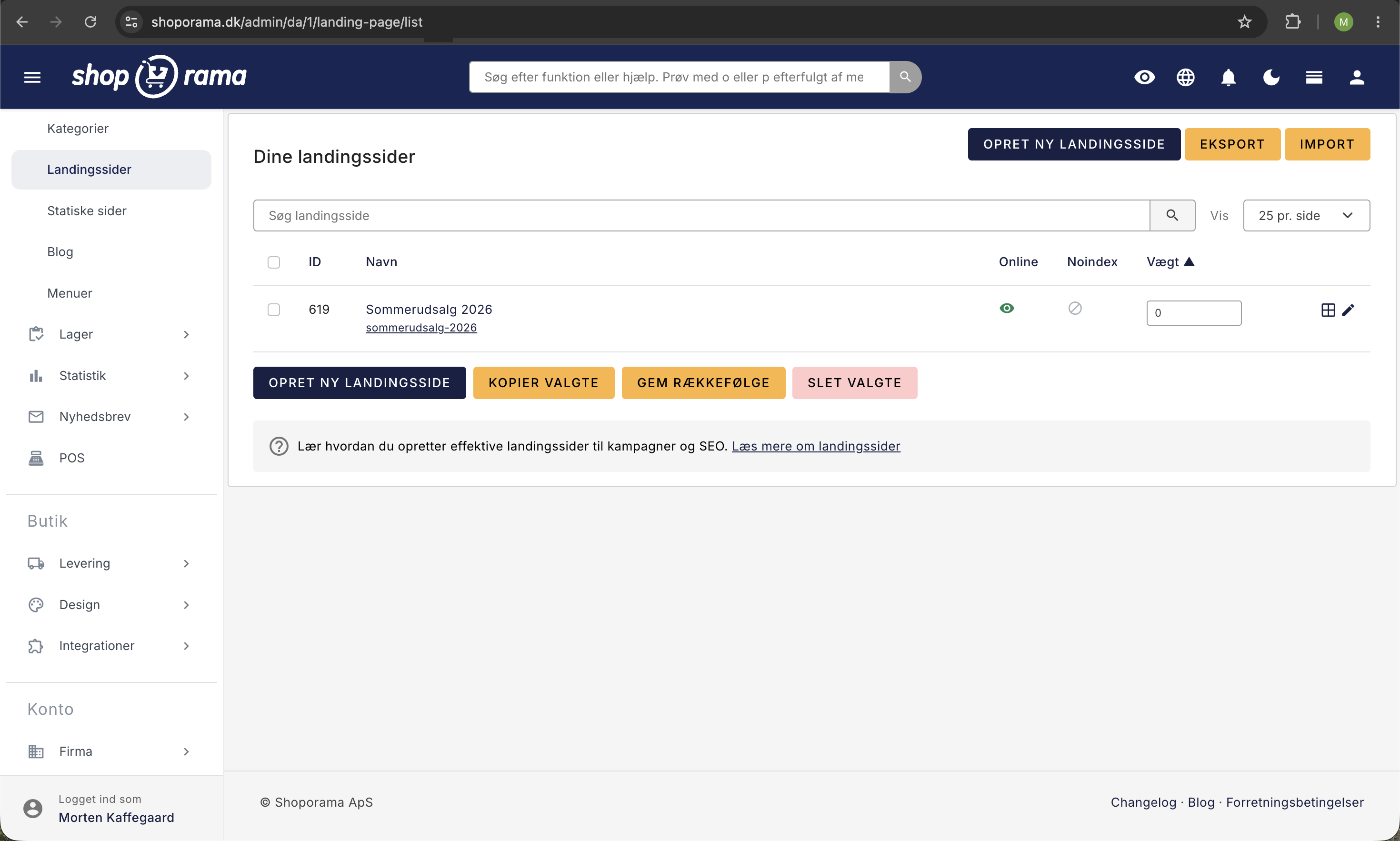
Products from a specific brand
- Create a new landing page under Content → Landing Pages
- Select “Brand” as the rule
- Click Save
- Select the desired brand from the list
- Click Save again
Products in a price range
- Create the landing page and select " Price " as the rule
- Specify the minimum and maximum prices
- Click Save
Products with a specific custom field
- Create the landing page and select " Extended Product Field " as the rule
- Select the relevant custom field
- Specify the value the products should have
- Click Save
Combined rules
You can add multiple rules to the same landing page. For example, Brand = Nike + Price under 500 DKK. Products must meet all rules to be displayed.
Tips
- Add a good description to the landing page for SEO
- Use an SEO-friendly URL (rewrite URL)
- Landing pages are automatically updated when new products match the rules
Need help? Contact us at support@shoporama.dk.
Related articles
Images on landing pages
How to upload images to a Shoporama landing page and display them correctly in your theme with getImages() and getSrc().
Blog linked to your shop
Complete guide to the blog feature in Shoporama - create posts, schedule publishing, link products, optimize for search engines and use dynamic...
Add multiple products to the basket at a time
Guide to implementing an 'add more to cart' feature, for example on landing pages or wholesale pages.
Related features
Advanced landing pages
Create dynamic categories with rules for brand, price, category and more. Shoporama keeps content updated automatically. Perfect for SEO and offer...
landing page
A landing page is a focused page designed to convert visitors from ads, newsletters and social media. Learn about types, elements and the Shoporama...
Smarter field types in Page Builder
Page Builder has new field types: search and select multiple products, categories and landing pages, plus a smart link field that searches across...
Categories, menu, and pages: give the store structure
Create categories and subcategories, build the menu with a dropdown and footer, edit the "About Us" and "Contact Us" pages, and learn when a...