Notification under SFTP information
Learn how you as a theme developer can display a message on the admin page with SFTP login details.
As a theme developer, you can display a message or warning on the admin page with SFTP login credentials. This is useful for informing the store owner about important matters regarding the theme.
Here's how
Create a file in the theme’s root folder named ftp_notice (without a file extension) and enter your message there.
The following HTML tags are allowed:
- h1, h2, h3 (headings)
- p, a (paragraphs and links)
- em, strong (emphasis)
- br, br/ (line breaks)
- ul, ol, li (bulleted and numbered lists)
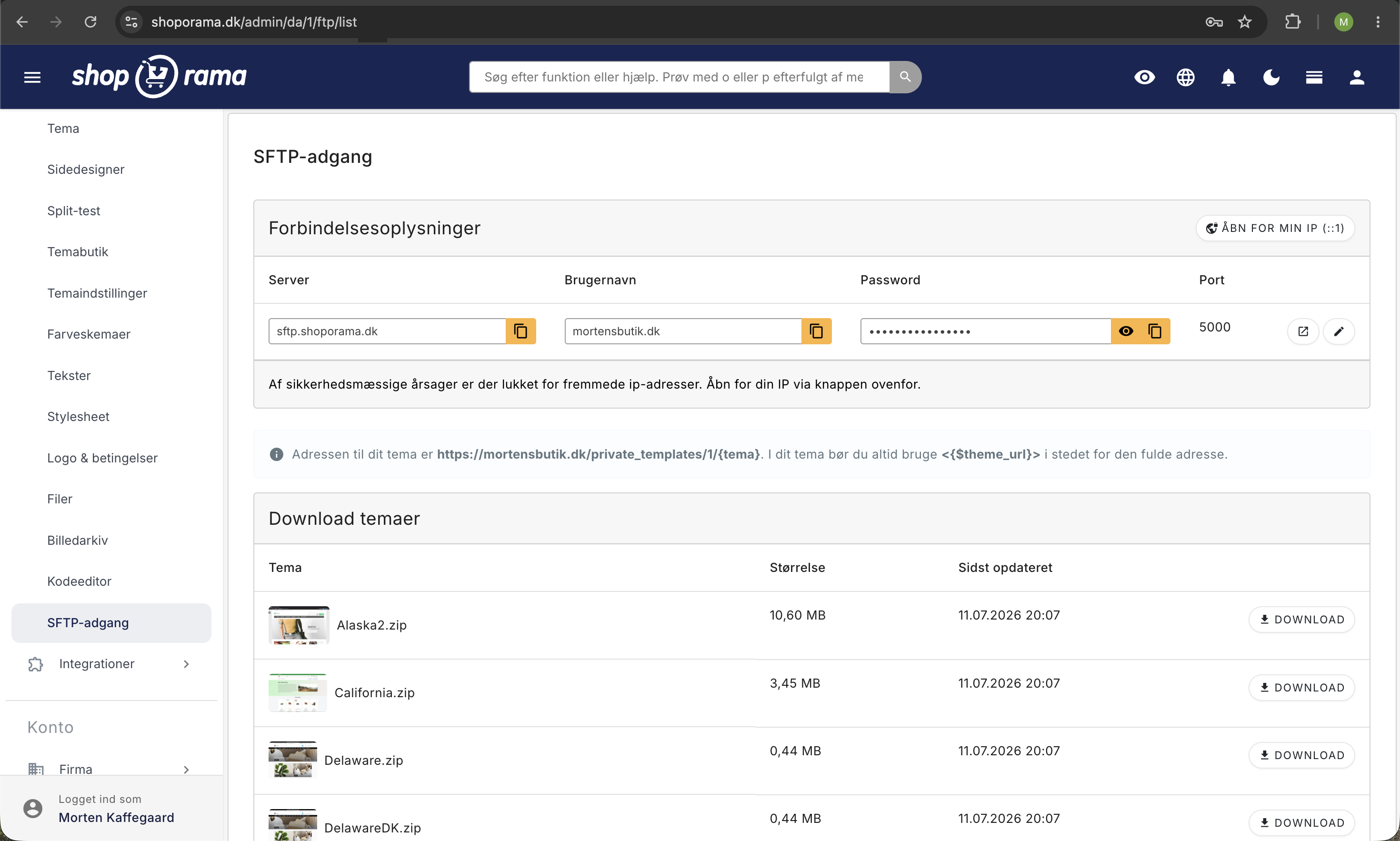
The message appears as a notification on the SFTP info page in the admin panel.
Need help? Contact us at support@shoporama.dk.
Related articles
Own stylesheet (Custom CSS)
Add custom CSS to your Shoporama online store and admin backend. Customize colors, fonts, layout and hide elements without changing theme files.
Log in with SFTP
Guide to logging in to your Shoporama online store with SFTP so you can edit your theme.
Optimizing images for mobile
Guide to using responsive images with srcset in your Shoporama theme to provide optimized images for mobile users.
Related features
SFTP
SFTP is a secure protocol for file transfer. Read about SFTP, data exchange and how it is used for product feeds and integration.
Full design freedom - your design, your rules
Design your online store freely with full access to HTML, CSS and templates. Use templates, Page Builder or build from scratch.