Send emails to customers who have purchased a product
Guide to send an email to all customers who have purchased a specific product in your Shoporama online store.
If you want to send an email to all customers who have purchased a specific product—for example, regarding product updates, recalls, or upselling—you can do so in Shoporama’s newsletter module by creating a segment.
Note
There is no longer a separate “Send email to buyers” button on individual product pages. This feature has been replaced by newsletter segments, which are more flexible and better comply with GDPR.
Here’s how to do it using segments
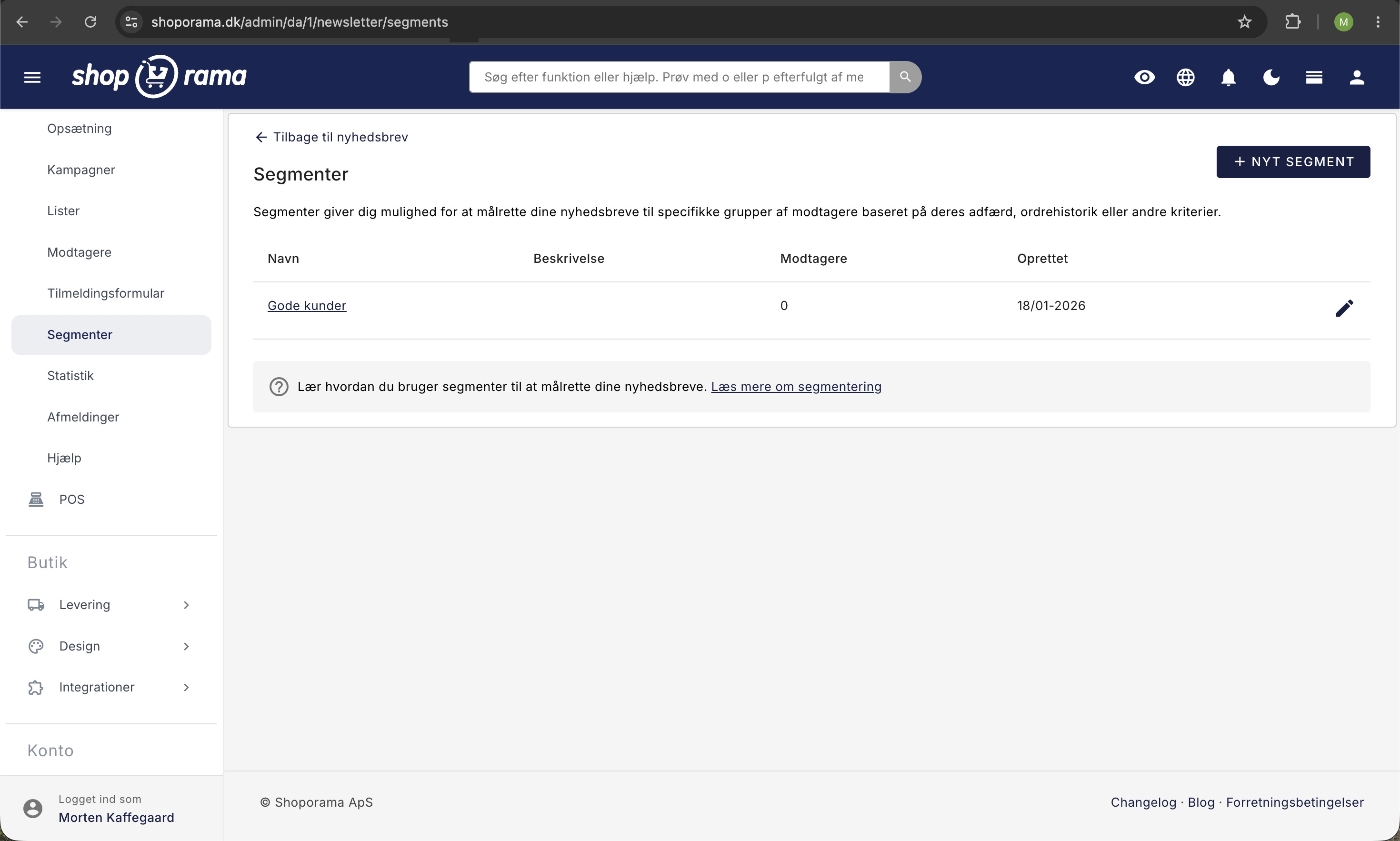
- Go to Newsletter → Segments in the menu
- Create a new segment of the type “Customers who have purchased specific products”
- Select the product(s) the segment should apply to
- Save the segment
- Go to Newsletter → Campaigns and create a new campaign
- Select your segment as the recipient, write the subject and content, and send
You can also segment by products with a specific label or by category, if that better suits your needs.
Who receives the email?
The email is sent to customers who have placed an order containing the selected product(s) and who are subscribed to the newsletter (or have otherwise consented to receive marketing emails).
Export Instead
If you’d rather export the customer list and send it through your own newsletter system:
- Export customers who have purchased a product as a CSV file
- Import the list into Klaviyo, Mailchimp, or a similar service
Note regarding GDPR
Be aware of GDPR regulations when sending marketing emails. Customers who have not given their consent should only be contacted regarding product updates, security, or recalls—not for upselling.
Need help? Contact us at support@shoporama.dk.
Related articles
Export customers who have purchased a specific product
Guide to export a list of customers who have purchased a specific product and send them an email.
Stock notification: Notify your customers when items are back in stock
Learn how to set up email notifications so your customers can be notified when out-of-stock products are restocked in your Shoporama online store.