Can I change the product profile of a product?
Explanation of why you can't switch product profiles and what you can do instead.
It is not possible to change the profile of an existing product in Shoporama. The profile determines which variants and custom fields the product has, and it is set when the product is created.
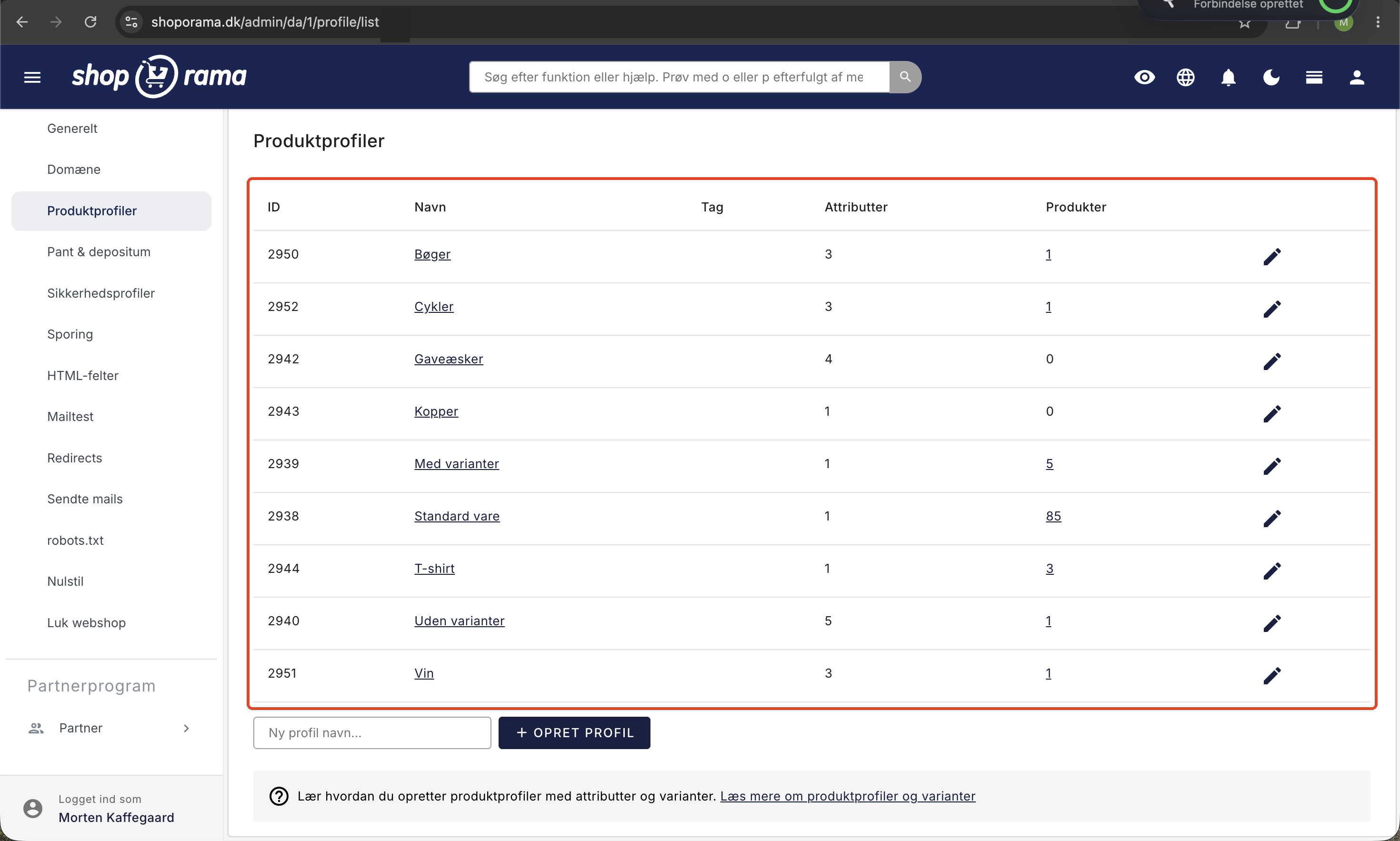
Why can’t the profile be changed?
The profile defines the product’s structure:
- Variants — e.g., size
- Customer input fields — e.g., a name the customer enters on the product page
- Additional fields — e.g., material, weight, season
If the profile is changed, existing data (variants, inventory status, custom fields) would be lost or become incompatible. Therefore, this is a deliberate limitation.
What can you do?
- Create a new product with the desired profile
- Copy the product to transfer the title, description, price, and images
- Edit the variants and additional fields on the new product
- Set up a redirect from the old product’s URL to the new one
- Delete the old product
Prevent the problem
Think carefully about your profile selection when creating products:
- Consider which variants you need (size, color, material, etc.)
- Consider which custom fields you’ll use for feeds and filtering
- Create profiles that meet your needs before you start creating products
Need help? Contact us at support@shoporama.dk.
Related articles
Unsubscribe links in automatic emails
Give your customers the option to unsubscribe from automatic follow-up emails after purchases and product reviews - with a simple link in the email.
AI assistant in the text editor
Learn how to use Shoporama's built-in AI assistant to generate product texts, image descriptions and text suggestions.
Order list and inventory management
Learn how to use the Shoporama order list to keep track of inventory, generate shopping lists and receive goods efficiently.