Unsubscribe links in automatic emails
Give your customers the option to unsubscribe from automatic follow-up emails after purchases and product reviews - with a simple link in the email.
You can add an unsubscribe link to your automated emails so your customers can choose to stop receiving them. This applies to two types of emails: Post-purchase emails (after_purchase_mail) and product reviews (product_review).
Here’s how it works
When a customer clicks the unsubscribe link, Shoporama records that they no longer wish to receive that type of email. The customer is then redirected to the homepage of your online store with a confirmation message.
Unsubscribe URL Format
The link that unsubscribes the customer has the following format:
Post-purchase email:
https://din-shop.dk/unsubscribe?email=kunde@example.com&type=after_purchase_mailProduct reviews:
https://din-shop.dk/unsubscribe?email=kunde@example.com&type=product_reviewRedirect after unsubscribing
Once the customer has unsubscribed, they are redirected to:
https://din-shop.dk/?unsubscribed=after_purchase_mail
https://din-shop.dk/?unsubscribed=product_review
You can use the $get.unsubscribed variable in your theme to display a confirmation message on the front page.
Example of Smarty code in your email template
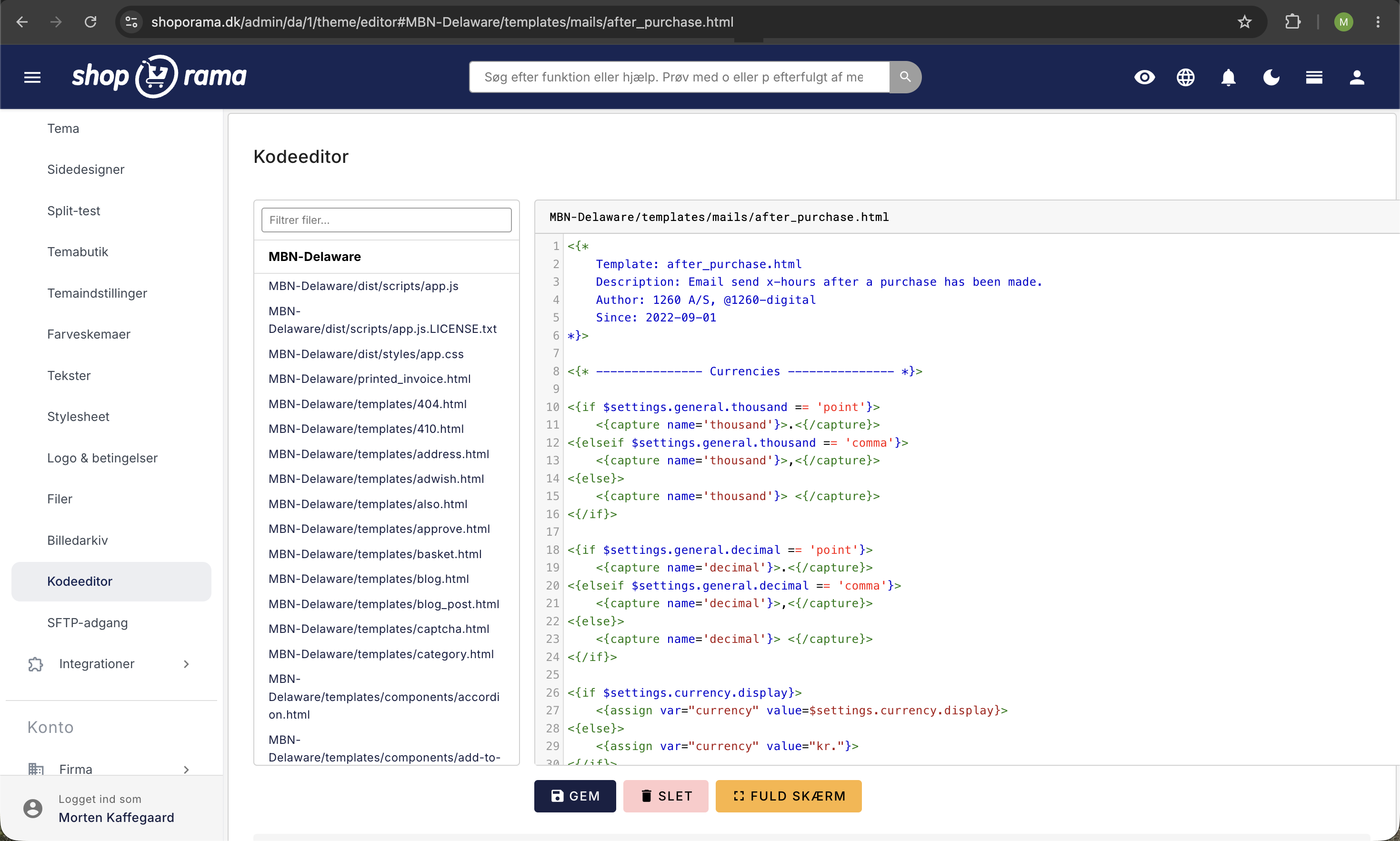
Insert the following at the bottom of, for example, after_purchase.html:
<p><small><a href="<{$webshop->getUrl()|escape}>/unsubscribe?email=<{$order->getEmail()|escape}>&type=after_purchase_mail">
  Unsubscribe from these emails
</a></small></p>
And similarly in product_review_mail.html:
<p><small><a href="<{$webshop->getUrl()|escape}>/unsubscribe?email=<{$order->getEmail()|escape}>&type=product_review">
  Unsubscribe from these emails
</a></small></p>
Note: You can only unsubscribe from after_purchase_mail and product_review. Other email types, such as order confirmations and shipping notifications, cannot be unsubscribed from.
Related articles
What emails does Shoporama send to my customers?
Overview of automatic emails Shoporama sends to your customers - order confirmation, abandoned baskets, track-and-trace, product reviews, and more.
Export customers who have purchased a specific product
Guide to export a list of customers who have purchased a specific product and send them an email.
Stock notification: Notify your customers when items are back in stock
Learn how to set up email notifications so your customers can be notified when out-of-stock products are restocked in your Shoporama online store.
Related features
Newsletter system - send professional newsletters directly from Shoporama
Built-in newsletter system with A/B testing, segmentation, product blocks and statistics. Integrates with Brevo, Klaviyo and HeyLoyalty. Included...
Email marketing
Integrate with Klaviyo, Brevo, Mailchimp, Ubivox or Campaign Monitor, or use Shoporama's own newsletter system. Automatic synchronization and event...