Add comments to an order
Guide to adding internal comments and notes to orders in Shoporama admin.
You can add internal comments to orders in Shoporama. The comments are only visible in the admin panel and are useful for internal communication regarding specific orders.
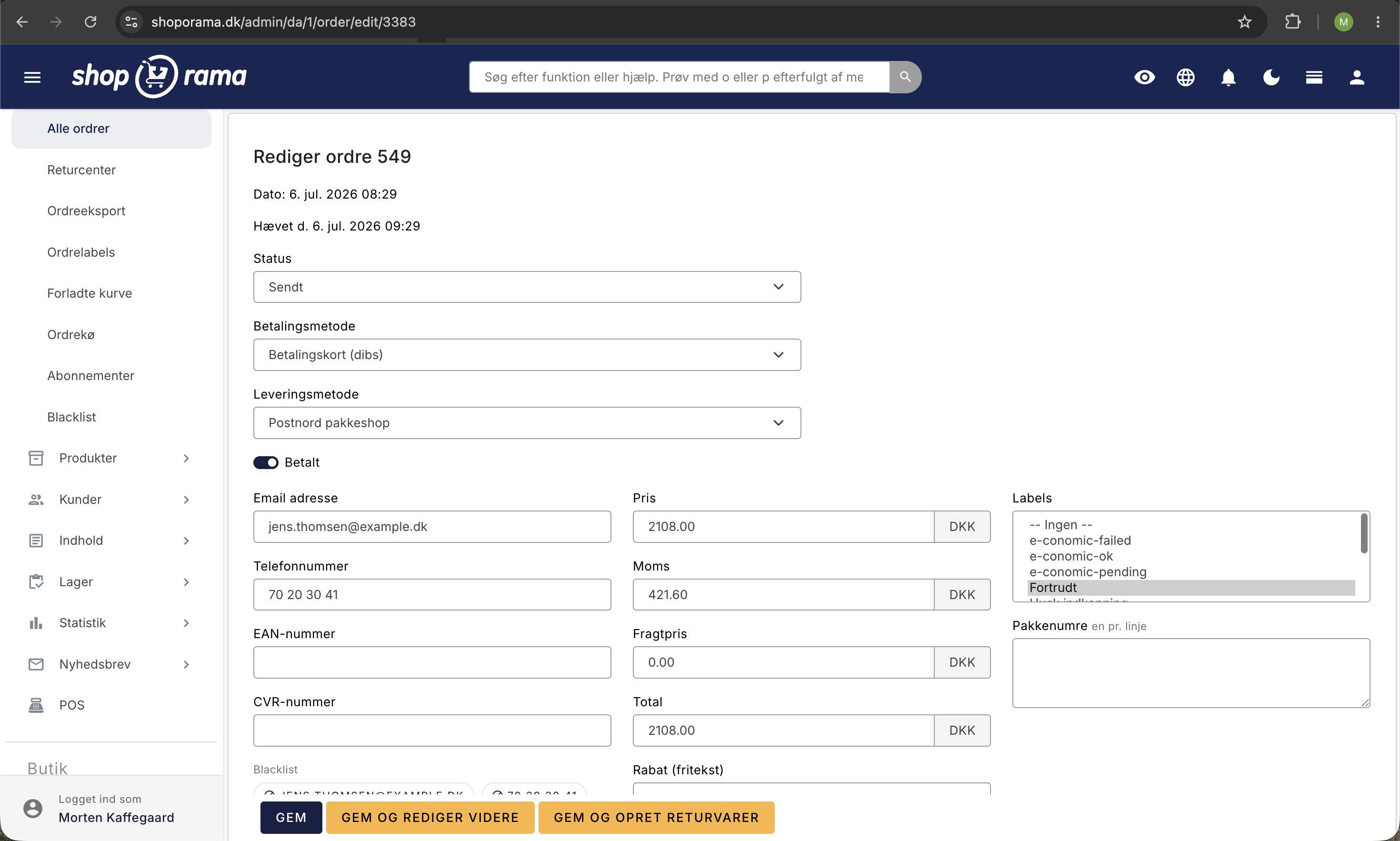
How to add a comment
- Go to Orders and open the relevant order
- Scroll down to “Internal Comment”
- Type your comment in the text field
- Click Save to save the order
When are comments useful?
- Customer inquiries — note what the customer asked about
- Returns — describe the reason for a return
- Internal communication — notify colleagues about an order
- Special arrangements — note if a special arrangement has been made with the customer
Visibility
Comments are only visible in the admin panel. The customer cannot see them. They are used exclusively for internal documentation.
Tip
If you use GLS and want to add comments that are sent along with the shipment to GLS, see our guide on comments for GLS orders.
Need help? Contact us at support@shoporama.dk.
Related articles
Get an email when a new order is placed
Guide to setting up email notification when a new order is received in your Shoporama online shop.
Comments on GLS orders
How comments work on GLS orders in Shoporama. The customer's checkout comment is used as a DepositService instruction to the driver, and you can...
Automatic cancellation of unpaid orders
Set Shoporama to automatically cancel unpaid orders after a number of minutes. Frees up inventory and keeps the order list clean. The value is in...