Typical errors in the E-conomic integration
Overview of common errors in the e-conomic app and how to fix them.
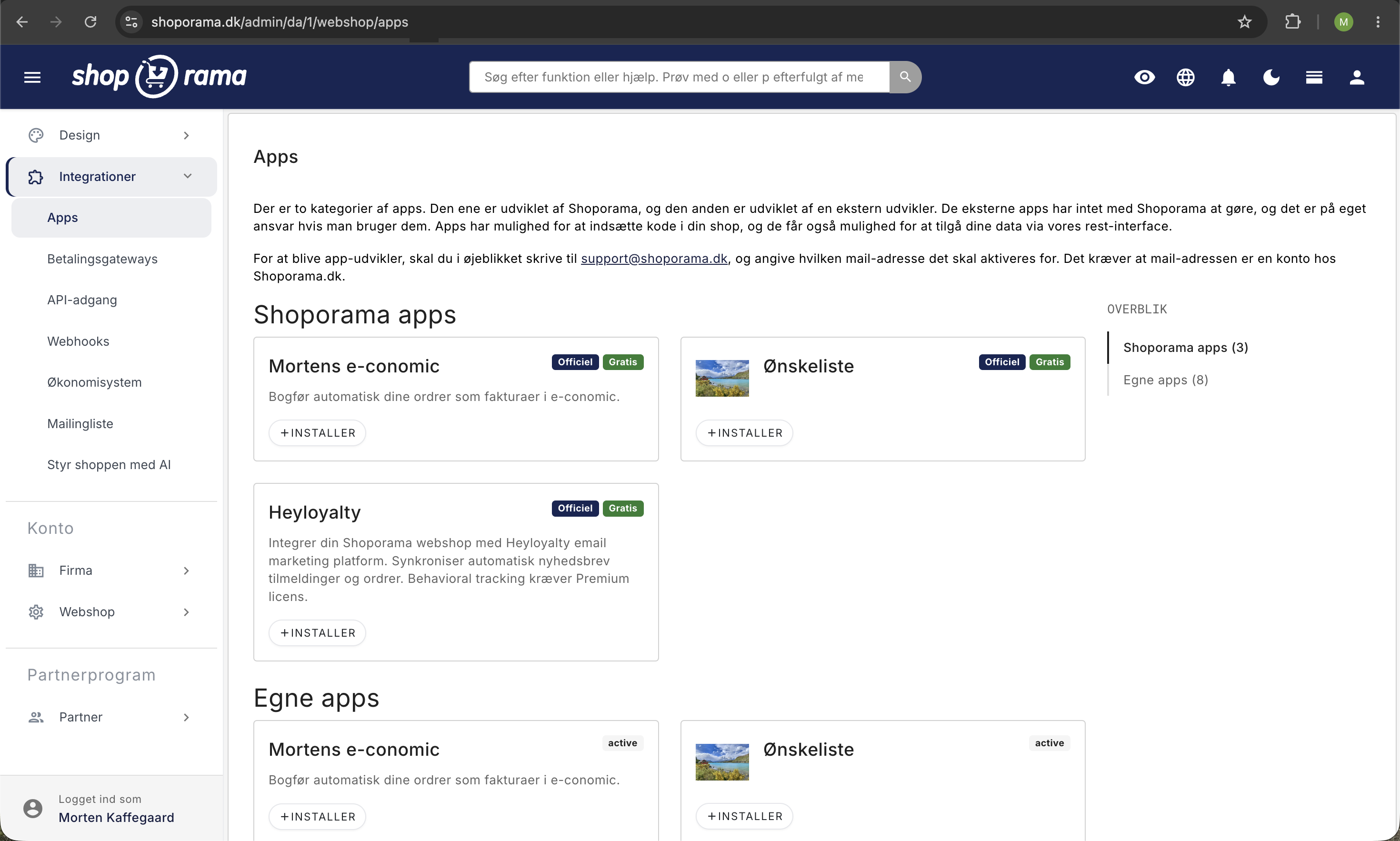
Here are the most common errors in the e-conomic app and how to fix them.
Error: Product group not found
Cause: The product group selected in the app settings does not exist in e-conomic.
Solution: Go to Apps → e-conomic and verify that the product group matches an existing group in e-conomic. If necessary, create the missing group in e-conomic.
Error: Could not create the customer
Cause: Customer data is incomplete or invalid.
Solution: Check that the order has a valid name, address, and email. For B2B customers, the CVR/EAN must be formatted correctly.
Error: Invalid API key
Cause: Your API key from e-conomic has either expired, been deleted, or was entered incorrectly in the app.
Solution: Generate a new API key at secure.e-conomic.com under Settings and Extensions, and enter it in the e-conomic app in Shoporama.
Error: Invoice could not be created
Reason: Missing or invalid configuration in the app settings (e.g., layout, payment terms, or customer group).
Solution: Go to the app settings and verify that the layout numbers, payment terms, and customer groups match those in e-conomic.
Error: Incorrect VAT zone
Cause: The required VAT zone has not been set up in e-conomic, or the home country in the app settings is incorrect.
Solution: Check that the relevant VAT zones are active in your e-conomic agreement (domestic, EU B2B, EU B2C OSS, export). Also check that the home country in the app settings is correct.
Error: Rate limit
Cause: e-conomic temporarily limits incoming API calls, e.g., for very large batches.
Solution: Wait a few minutes and remove the “e-conomic-failed” label so the order is resubmitted. If this happens frequently, contact e-conomic support to negotiate higher rate limits.
General tips
- Always check the order’s label first (e-conomic-ok, e-conomic-pending, or e-conomic-failed)
- Click on an order with the “e-conomic-failed” label to view the error message
- Make sure your e-conomic agreement is active
- Resubmit a failed order by removing the “e-conomic-failed” label and adding “e-conomic-pending”
- Contact support@shoporama.dk if the error persists
See also: Set up e-conomic integration, How e-conomic integration works, and Troubleshooting e-conomic integration.
Related articles
How the E-conomic integration works
How the e-conomic app transfers your orders from Shoporama to e-conomic. Explanation of synchronization, delay, VAT, debtors, discounts and error...
Billy's Billing integration
Guide to setting up Billy's Billing in Shoporama. Automatically transfer orders to your accounts, synchronize products and post payments.
Troubleshooting E-conomic integration
Guide to troubleshooting the e-conomic app in Shoporama. Fix sync issues, failed transfers and incorrect posting.
Related features
Webshop with e-conomic
Have orders automatically transferred to e-conomic. Install Shoporama's e-conomic app from the App Store and eliminate manual bookkeeping in less...
Accounting programs
Automatic posting of orders in e-conomic, Dinero or Billys Billing. Products, customers and VAT are transferred automatically.