Verified Shoporama Store: The Trust Seal You Don't Have to Apply For
We have created a trust badge for Shoporama stores. No application and no annual renewal: seven requirements are automatically checked every night. Here’s what the badge covers—and what it doesn’t.
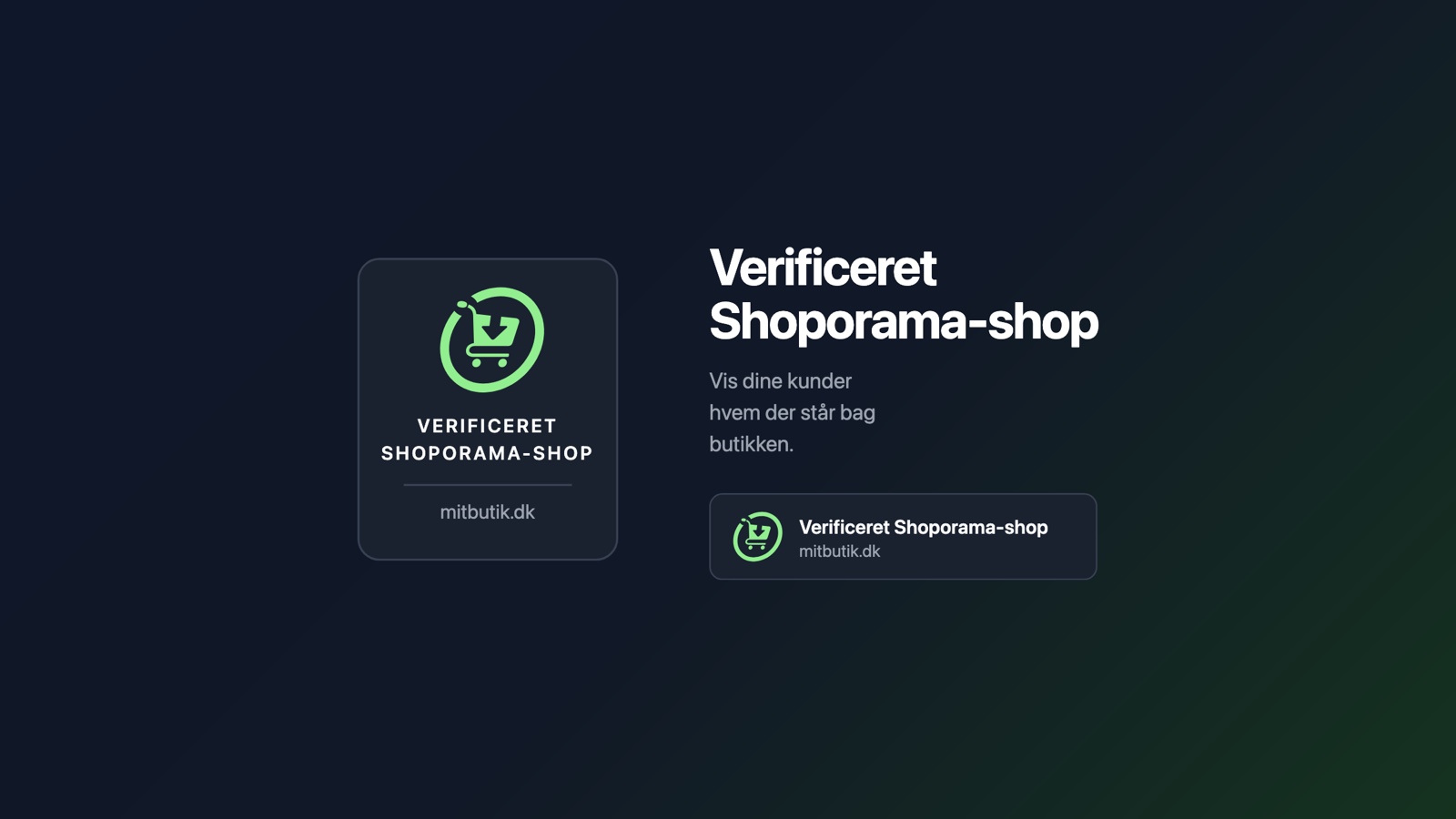
There’s one type of question every online store gets, and no product description answers it: Who are you, really? The customer is standing there with their credit card in hand, looking for a sign that there’s a real business on the other end.
That’s why we’ve created the Verified Shoporama Shop—a badge you can display in your store, endorsed by Shoporama. It’s available now under “Design” in the admin panel.
What We Check
The badge will remain visible only as long as seven criteria are met: the shop is open and running on Shoporama, it has its own domain, the domain actually points to us, the connection is encrypted, the CVR number is entered, the company is listed as active in the CVR registry, and there are no overdue bills.
Everything is checked again every night. If any of these conditions are no longer met, the badge turns off automatically, and the shop owner is notified. There’s no application process and no annual renewal.
And what we don’t check
This is the most important statement in the entire project: the badge says something about who is behind the store, not about how good the store is. We do not check the quality of the products, delivery times, customer service, or whether an offer is genuine.
This is clearly stated on the page the customer lands on. We could have written something broader and more sales-oriented, but a trust seal that promises more than it delivers is worse than no seal at all. The seal is issued by the store’s own platform provider, and consumers should be able to see that.
Customers can file a complaint
Anyone can report a store to us from the verification page. We cannot mediate a dispute between a customer and a store, and we make that clear. But we review all reports, and we can revoke the seal.
That button is there on purpose. A badge you can only gain but never lose is advertising. The possibility of losing it is what makes it valuable.
It doesn’t slow down your shop
Because we host the stores ourselves, we embed the badge directly into the page instead of fetching an image from a third-party server. This results in zero extra requests, no layout shifts while the page loads, and no third-party requests—unlike a cookie banner, which requires permission.
If you’d rather control the placement yourself, you can copy the HTML code and paste it wherever you want, even in an email. That version fetches the badge from us, so it’ll disappear on its own if the store is ever no longer verified.
Get started
You’ll find it under Design, Verified Shop. The checklist immediately shows whether your shop meets the requirements and what you might need to fix. Choose a style, turn it on, and you’re all set.
There’s a detailed walkthrough in the support article “Verified Shoporama Store.”
Related articles
Verified Shoporama Store
The "Verified Shoporama Store" badge shows your customers that Shoporama has verified the identity of the store's owner. See the requirements, the...
E-label in your webshop, badge and compliance guide
Complete guide to setting up the e-label badge in Shoporama and fulfilling the e-label compliance checklist with responsibilities and FAQ.
More from the blog
New Free App Sends Online Store Orders to Business Central
If you use Microsoft Dynamics 365 Business Central, Shoporama can now transfer orders from your online store as sales invoices or sales orders....
31. oktober 2026
New free Billy app replaces the built-in integration
Shoporama has a new, free app for Billy, now called Shine Accounting. It replaces the built-in Billy integration: customer information is reused,...
31. oktober 2026
New free Dinero app replaces the old integration
Shoporama has a new, free Dinero app that replaces the built-in Dinero integration. Your login is valid for one year at a time, errors appear...
30. oktober 2026