Be visible where customers are searching
When a potential customer searches for a product on Google, Google Shopping results—including images, prices, and inventory status—appear directly in the search results. It’s one of the most effective sales channels for online stores—and with Shoporama, you’re ready to go from day one.
Automatic and always up to date
Your Google Shopping feed is automatically generated with all the fields Google requires: product name, description, price, image, inventory status, GTIN, color, size, brand, and category. When you change a price or an item goes out of stock, the feed updates automatically. You don’t have to lift a finger.
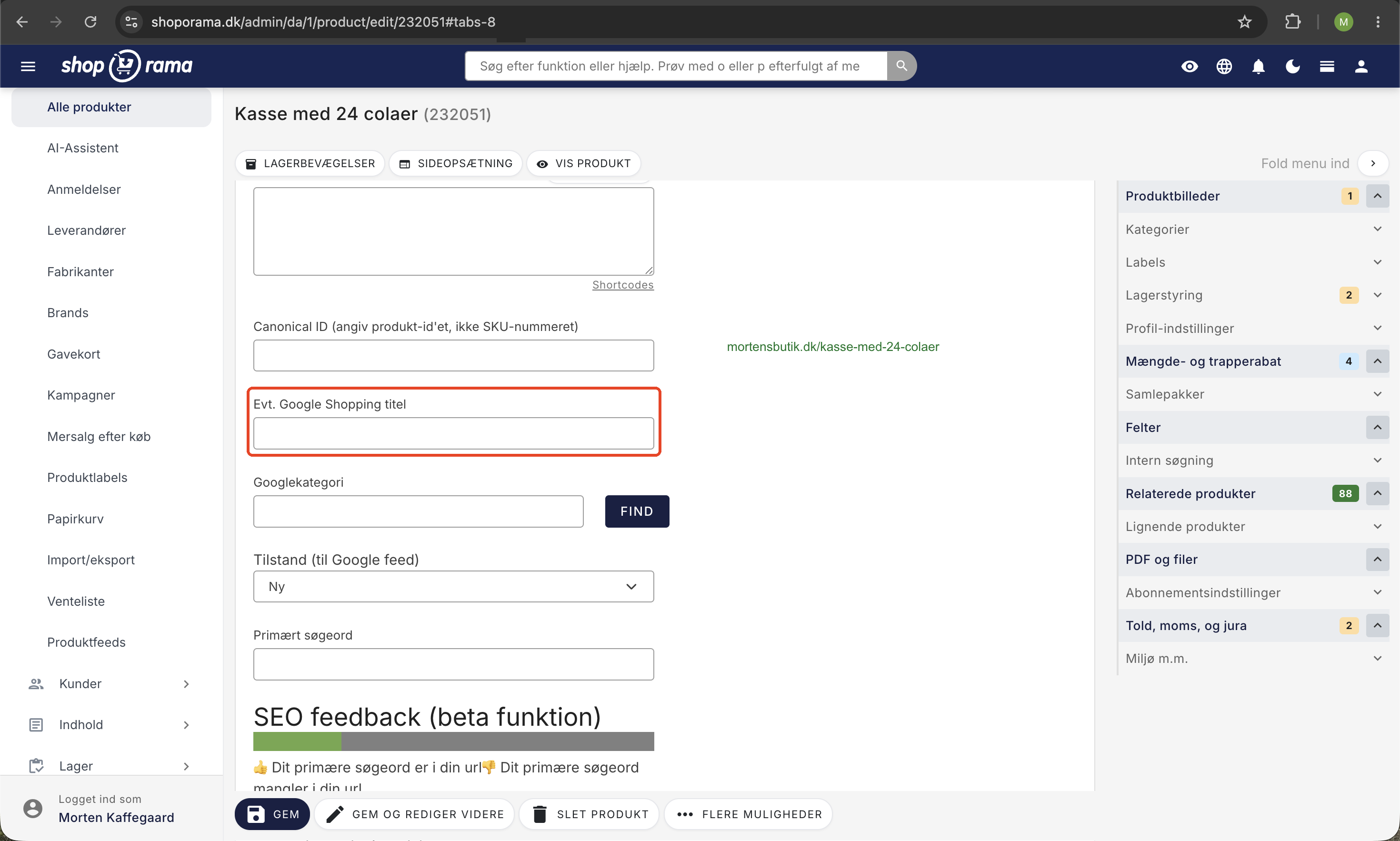
Google Shopping Category ID
Google requires that your products be categorized according to its taxonomy. In Shoporama, you can assign Google Shopping category IDs to your categories so that products automatically receive the correct Google category in the feed. You can also use custom fields to override the category at the product level.
Multiple feeds for multiple channels
Google Shopping is just the beginning. Shoporama also offers:
- Pricerunner feed for price comparison
- Custom feeds in XML, JSON, or CSV—build your own feed for any channel
- Flexible field mapping so you decide exactly what to include
- Filters so you can include or exclude specific products
Here’s how to get started
Your Google Shopping feed is available at a unique URL, which you copy into Google Merchant Center. From there, Google automatically fetches your products. Read our guide to setting up Google Shopping for a step-by-step walkthrough.
Included in all subscriptions
Google Shopping feeds, Pricerunner feeds, and custom feeds are included in all Shoporama subscriptions. You don’t pay extra for feeds—they’re part of the platform.