Unlimited Flexibility with Custom Fields
Not all products fit into the same fields. That’s why Shoporama’s custom fields let you create your very own fields with freely chosen keys and values. This gives you full control over what information is stored for each product—and how it’s used in your theme, your feeds, and your integrations.
Here’s how it works
Custom fields are defined in the key=value format, with one field per line. The fields can contain anything from simple text values to data that controls advanced functionality in your theme.
Examples of custom fields:
ISBN=9788711394441
youtube=dQw4w9WgXcQ
color=Red
material=Cotton
size-guide=women’s-clothing
Using them in your theme
All custom fields are available in your Smarty theme via methods on the product object. You can retrieve a single value or all values at once:
<!-- Retrieve a single value -->
<{$product->getMetaValue("youtube")}>

<!-- Loop through all custom fields -->
<{foreach $product->getMetaValues() as $key => $value}>
  <strong><{$key}></strong>: <{$value}>
<{/foreach}>
This makes it possible to display YouTube videos, size guides, technical specifications, or other information directly on the product page.
Google Shopping and Feeds
Custom fields are also used to manage your product feeds. Some important fields:
- google-custom-label-2 to google-custom-label-4 — Custom labels for Google Merchant Center rules
- pricerunner-category — Specific category for the PriceRunner feed
- redirect — Redirect the user after adding to cart
Note that custom_label_0 and custom_label_1 are automatically used for "on sale" and "bestseller" in the Google Shopping feed.
Import and Export
Additional fields can be imported and exported via CSV. When importing, the fields are specified in URL format:
color=Red&material=Cotton&ISBN=9788711394441This makes it easy to update custom fields for many products at once using a spreadsheet.
Bulk Editing
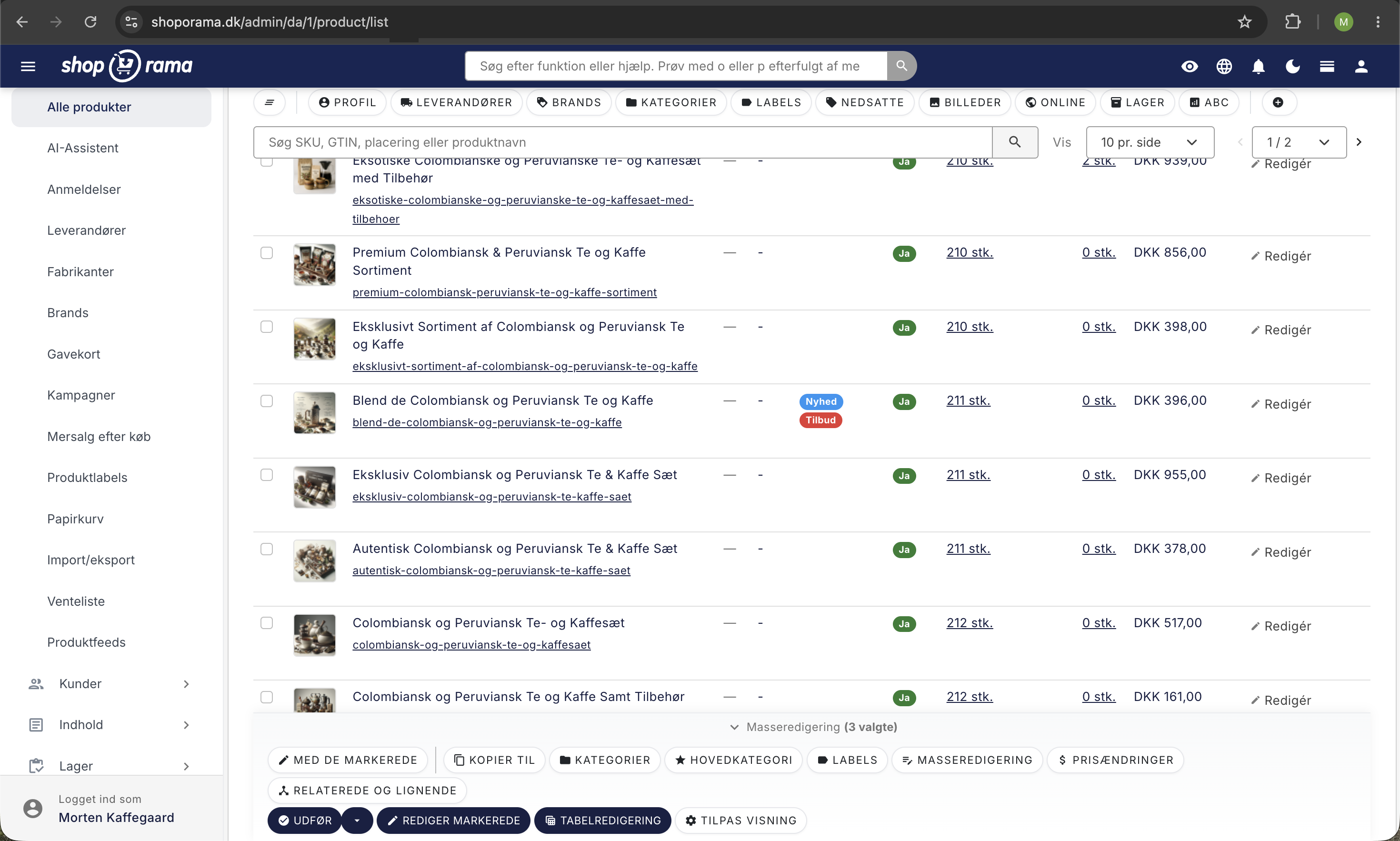
You can also edit custom fields in bulk directly in the admin panel. Select multiple products, specify the field name and value, and choose whether to add/replace or delete the field. This saves time when updating many products.
HTML Fields
In addition to custom fields, Shoporama also offers HTML fields. These fields can contain formatted HTML code and are used to display rich content on the product page—such as size guides in table format, embedded videos, or JavaScript widgets.
Available on Many Objects
Custom fields aren’t limited to products. You can also use them on:
- Categories — Store additional metadata on categories
- Landing pages — Control layout and display with custom fields
- Info pages — Add custom data to static pages
- Blog posts — Use custom fields to control display and functionality