How the e-conomic app handles products
Explanation of how products are handled in the new e-conomic app and what is different from the old integration.
In the previous e-conomic integration, you could manually transfer products from Shoporama to e-conomic as master data. This has changed with Shoporama’s new e-conomic app: products are no longer transferred as master data, but are automatically created as line items on the invoices generated by the orders.
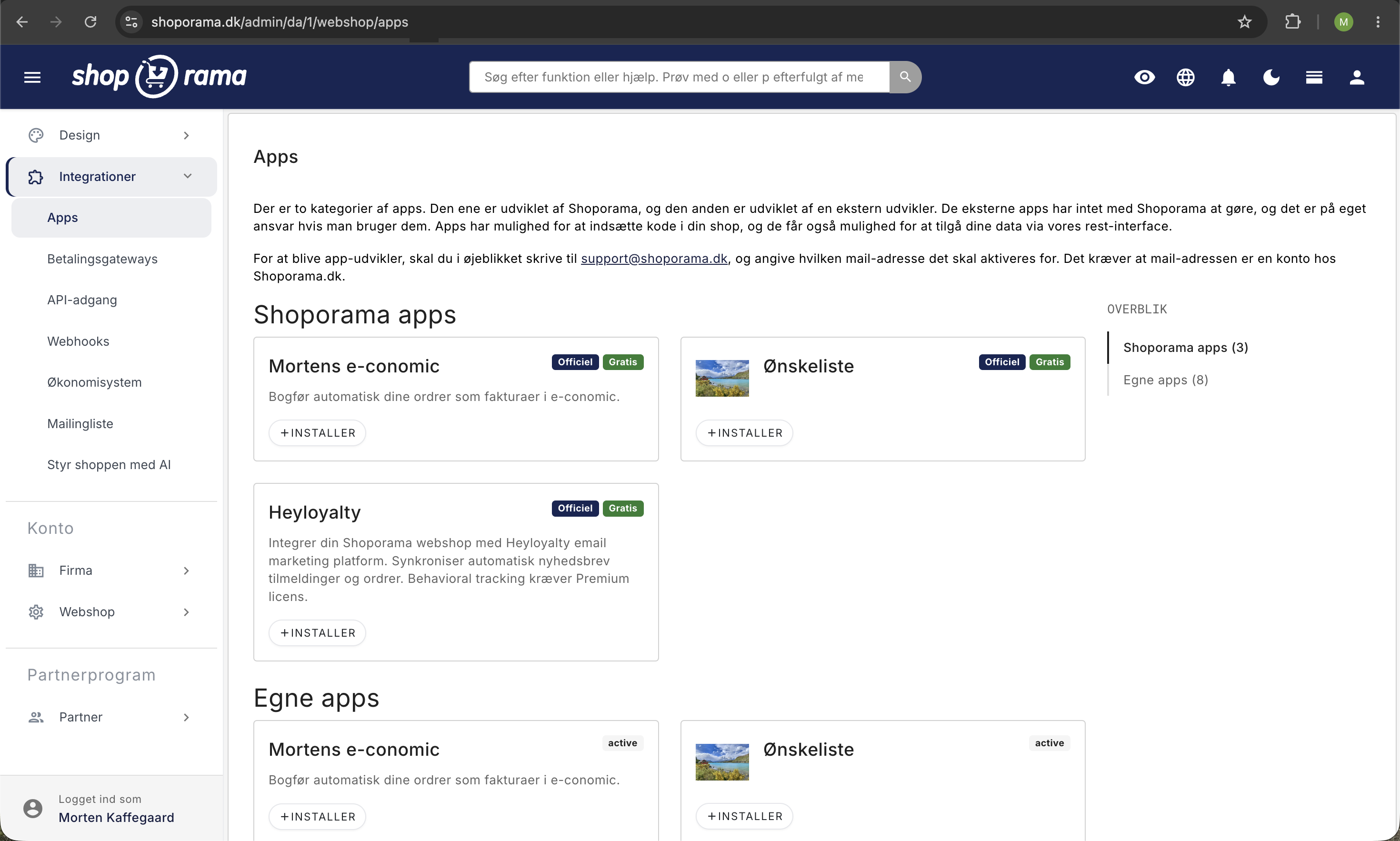
Here’s how it works now
When an order is transferred to e-conomic via the app:
- Each product on the order is created as a line item on the invoice in e-conomic
- The line item includes the product’s SKU (item number), name, and price
- If a product with the same SKU exists as a master item in e-conomic, it is used automatically
- If not, a line item is simply created without a link to e-conomic’s product catalog
This means you no longer need to maintain a product catalog in e-conomic—all products are found in Shoporama, and the product lines are automatically generated on the invoice.
If you need products in e-conomic
If, for accounting reasons, you need to have products as master data in e-conomic (e.g., to create product-based reports or use them in other integrations), you must create them manually in e-conomic. Make sure the SKUs match those in Shoporama so that the invoice line items automatically link to the correct items.
What about inventory?
The new e-conomic app does not sync inventory levels. Inventory is managed exclusively in Shoporama. If you previously used the inventory feature in e-conomic, you’ll need to use Shoporama’s inventory management instead, or integrate via a third-party solution.
Read more
- Set up the e-conomic integration
- How the e-conomic integration works
- Troubleshooting the e-conomic integration
Do you have questions? Contact us at support@shoporama.dk.
Related articles
Billy's Billing integration
Guide to setting up Billy's Billing in Shoporama. Automatically transfer orders to your accounts, synchronize products and post payments.
Age verification on products
Here's how to set an age restriction of 15, 16, or 18 for products in Shoporama so that the customer's age is verified when paying with ePay....
Hreflang and Multilingual Online Stores
How Shoporama sets `hreflang`, `x-default`, and `html lang` for your countries, what happens to untranslated pages, and how to manage your own...
Related features
Accounting programs
Automatic posting of orders in e-conomic, Dinero or Billys Billing. Products, customers and VAT are transferred automatically.
Webshop with e-conomic
Have orders automatically transferred to e-conomic. Install Shoporama's e-conomic app from the App Store and eliminate manual bookkeeping in less...