One online store, many users
An online store is rarely the work of just one person. You might have a warehouse worker, an accountant, a marketing manager, or a student assistant. Maybe volunteers help pack orders, or an agency handles your design. On Shoporama, everyone can have their own user account with a role that matches what they do.
The Pro plan includes unlimited users at no extra cost. The Flex plan starts with 1 user included, and you can add extra users for 49 DKK/month per user. See our pricing for details.
Access Control with Predefined Roles
Not everyone needs access to everything. When you create a user, you choose one of seven predefined user roles. The role determines what the user can edit, what the user can only view, and what the user has no access to at all:
- Full access: everything in the online store, including payments, design, and integrations. For yourself and those with whom you share responsibility.
- Employee: day-to-day operations involving orders, products, customers, inventory, and content, but not payments, design, or online store settings.
- Order Processing: Packs orders and handles returns, and can view products, customers, and inventory without being able to edit them. Ideal for those at the packing station, such as student assistants and volunteers. If the user also needs to receive goods or update inventory levels, the “Employee” role is the right choice.
- Marketing: discount codes, promotions, newsletters, content, and design, but not orders.
- Bookkeeper: Can view orders, products, inventory, customers, statistics, and invoices, but cannot make any changes.
- Developer: themes, code, content, setup, and integrations. Your agency can work on the online store without access to the order, customer, and statistics pages in the admin panel.
- Supplier: creates and edits their own products directly in your online store.
The menu displays only what the user has access to, and the dashboard shows only the figures the role is authorized to view. This makes the administration section easier for new users to navigate. If a user tries to open a page that their role does not grant access to, they’ll receive a clear message to contact the company administrator. If you want to view the admin panel from a user’s perspective, click “View Admin as User” on the user’s profile.
If you already have users, they can do the same things as before until you select or change their role. The only difference is that only the company administrator can close or reset the online store. Read more about roles and permissions, and see exactly what each role can do.
Opt-ins for Sensitive Tasks
Some tasks require extra trust. Shoporama has grouped these into five add-ons, which you can enable by checking a box when selecting a role. The role matrix shows which add-ons are available for each role.
- Refunds and cancellations: issue refunds, apply credits, cancel orders, reverse payments, and mark orders as paid.
- Data export: export orders, customers, and newsletter subscribers.
- Cost prices and markup: View and edit cost prices, markup, and inventory value.
- Revenue and statistics: View revenue on the front page and in the statistics.
- Deletion and bulk import: delete products, orders, and customers, and import multiple items at once.
This results in fewer errors and greater peace of mind. Student assistants can pack orders without being able to issue refunds or view your revenue, and your employees can edit products without being able to delete them. Without the “Cost Prices and Markup” add-on, the cost price is hidden for products, and a cost price you’ve already saved won’t be overwritten when the employee saves the product.
Multiple online stores, one user
If you have multiple online stores, you choose which ones the user should have access to. The same user can also have different roles, such as “Employee” in one online store and “Bookkeeper” in another. You set this up under “Different Roles per Online Store” when editing the user.
The company administrator holds the keys
In addition to their role, a user can be a company administrator. The company administrator creates users and assigns their roles, manages the company’s online stores and payment cards, and is the only one who can close or reset an online store. When you make a user a company administrator, that user gains full access. The company’s last remaining company administrator cannot be removed, so there is always someone who can manage the users.
Two-Factor Authentication
Security is important when multiple people have access to your online store. Shoporama supports two-factor authentication (2FA), so users log in with both a password and a code from their phone. Each user enables this themselves, and we recommend that everyone with access to your admin panel do so. This protects against unauthorized access.
Apps, API, and Claude
This role also applies outside the admin panel. If a user connects an app or tool using “Sign in with Shoporama,” the connection is limited to the user’s role. The same applies to API keys created by a user with the “Developer” role. Only users with Full Access can install apps and connect Claude to the online store.
Personal Settings
Each user has their own settings and preferences, including dark mode. This allows everyone to customize their work environment as they prefer.
Easy User Creation
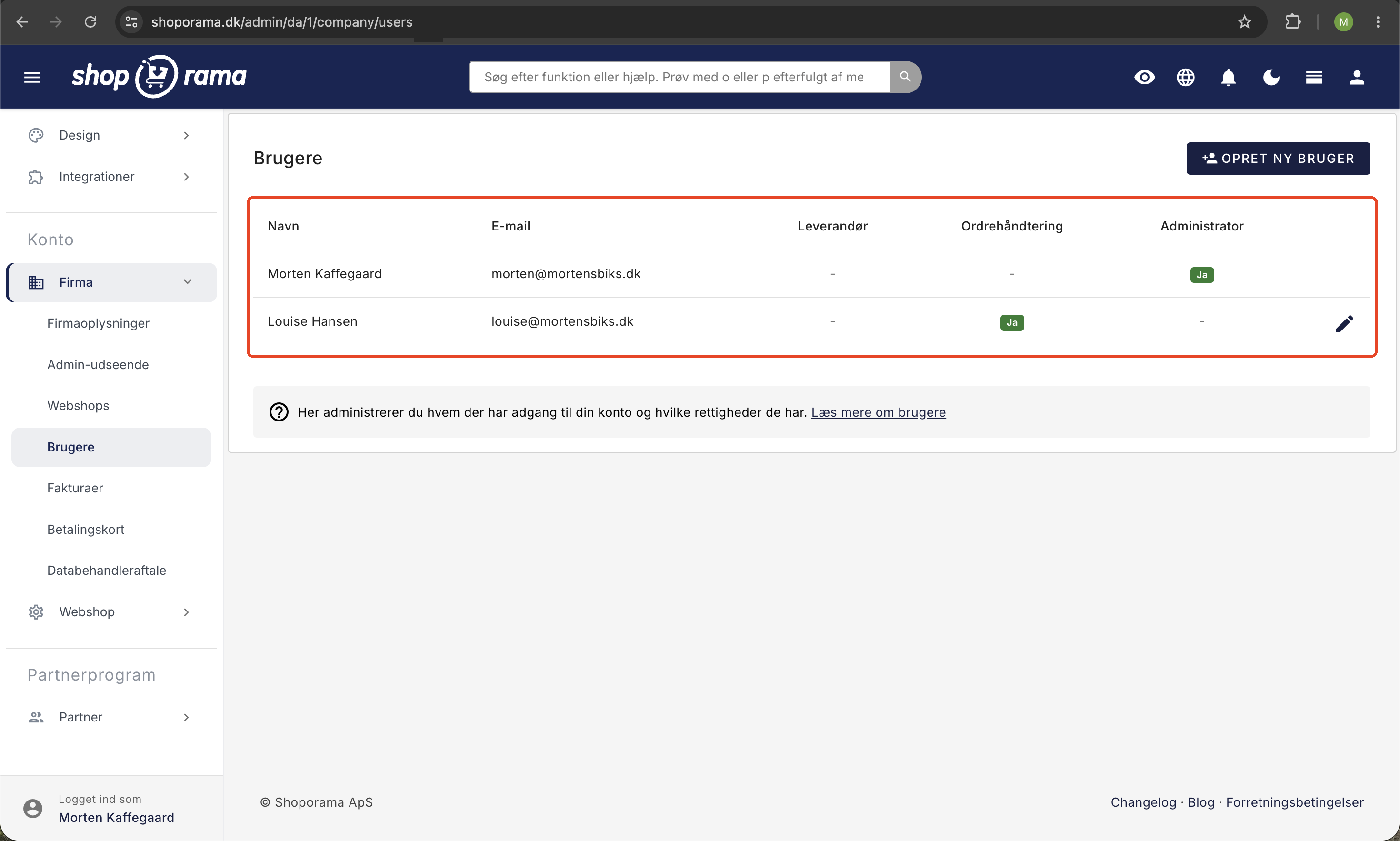
You create new users under Company → Users by entering their name and email address and selecting their role right away. Full Access is selected by default, so choose a different role for those who don’t need full access. The new user will receive an invitation via email, choose their own password, and can get started right away. If the person already has a Shoporama login—for example, from another online store—they can use the same login. In that case, no email will be sent, so be sure to notify the person yourself. Read our guide to creating users for a step-by-step walkthrough.
Who did what?
With multiple users in the system, it’s important to be able to see who has done what. Using the Activity Log button at the top of Company → Users, the company administrator can view sensitive actions in the company’s online stores, such as refunds, exporting orders, deleting products, role changes, new API keys, and closing online stores. Each action is listed with the time, user, and IP address, and if Shoporama’s support team was logged in to assist you, that will also be noted. Entries are stored for one year and then automatically deleted. Learn more about the activity log.