Own email on your domain
Information about email hosting and options to get email on your own domain with Shoporama.
Once you’ve opened your online store (or migrated an existing one), you’ll need to have one or more email addresses associated with the domain.
At Shoporama, we focus on what we do best: building an online store platform. We’re not experts at hosting email, so we leave that to others.
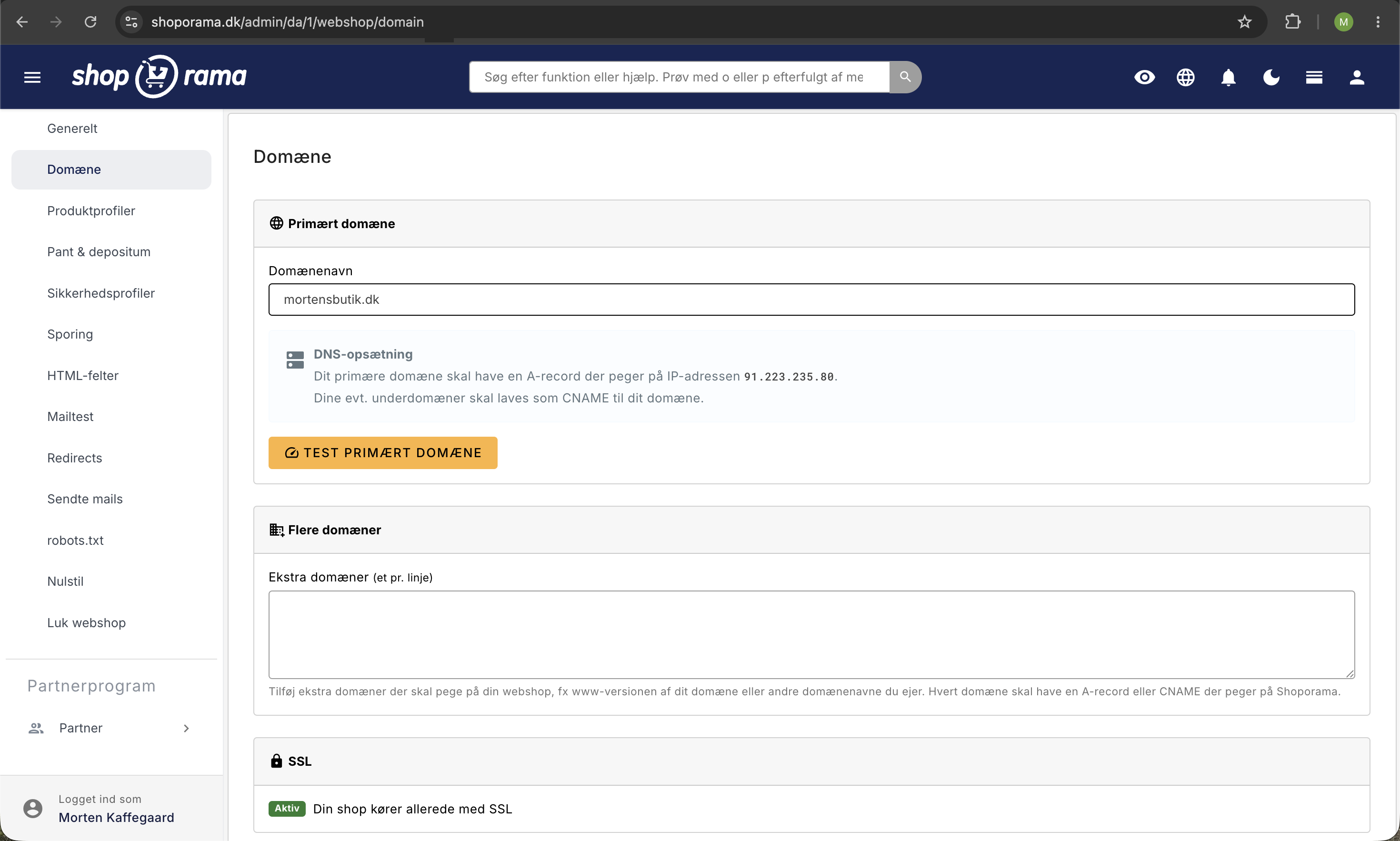
If you already have your email set up somewhere—for example, with Unoeuro or Google Apps—and you’re happy with it, you can certainly leave it there. When you move your store to Shoporama, you only need to update your A record in your DNS, and this won’t affect your email.
If you don’t have any email accounts, you have several options:
Ask the provider from whom you purchased the domain
If you purchased the domain from, for example, Unoeuro, you can set up your email there. This is possible at the vast majority of places where you’ve purchased a domain.
Get it through Google / Gmail / Google Apps / G Suite
Google offers an excellent email system called Gmail. You can also use it with your own domain. It’s also known as Google Apps or G Suite. Essentially, it’s the Gmail user interface, but on your own domain.
You can read more about it and set it up here.
Get it through E-studio
E-studio offers a stable and highly regarded email service. They host email for a large number of Shoporama stores and are experienced in setting them up. Email them at salg@e-studio.dk, and they’ll get you set up in no time. It’s the easiest way to get started.
Pricing
Virtually all of the services listed above charge the same rate. It’s around 19–29 DKK per email address per month.
Related articles
DNS setup for your domain
Step-by-step guide to DNS setup so you can use your own domain with your Shoporama online store.
Move your shop to your own domain
Guide to moving your Shoporama online store to your own domain with DNS setup, SSL and domain validation.
Unsubscribe links in automatic emails
Give your customers the option to unsubscribe from automatic follow-up emails after purchases and product reviews - with a simple link in the email.
Related features
DKIM
DKIM is an email signature that proves the email is genuine. Learn how DKIM works, why it's important for your eCommerce emails and how to set it up.
DMARC
DMARC protects your domain from email spoofing and phishing. Read about DMARC, SPF and DKIM and why it's important for webshops.
SMTP
SMTP is the protocol for sending emails. Read about SMTP servers, mail delivery and how it is used in webshops.
SPF - Sender Policy Framework
SPF prevents email spoofing and improves your deliverability rate. Learn about SPF records, DNS setup and the interaction with DKIM and DMARC.
DNS
DNS translates domain names to IP addresses. Learn about DNS records, A-records, CNAME and how to set up DNS for your online shop.
How much will an online store cost in 2026? Prices over 1 and 3 years
How much does an online store cost per year? Four cost estimates using Shoporama, Shopify, WooCommerce, and an agency over 1 and 3 years. Platform,...
Custom Domain and SSL: Launch Your Online Store
Point your domain to Shoporama, order a free SSL certificate, and switch your demo store to live in the correct order, without causing your store...
Start an online store: complete guide to opening your own store
How to start an online shop in 2026: platform, payment, shipping, domain and price. Step-by-step guide. Try Shoporama free for 30 days without a...