Synchronizing stock with variants
Guide to stock syncing products with variants in Shoporama.
When you have products with variants (e.g., size), inventory is managed by variant. Here’s how inventory synchronization works for variants in Shoporama.
Inventory per Variant
Each variant has its own inventory status. If you have a T-shirt in sizes S, M, and L, each size has its own inventory count. The product’s total inventory is the sum of the inventory for all variants.
Note that a customer input field of the “list” type is not a variant and therefore does not have inventory. For example, if you let the customer choose a color that is printed after the order is placed, inventory is still only deducted from the variant. If a color is to be subject to running out of stock, it must be a true variant. See “Let the customer fill in fields on the product.”
For inventory synchronization to target the correct variant, each variant must have its own unique SKU (stock keeping unit) on the product’s variant list.
Update Inventory via CSV
You can update inventory for variants via CSV import. The file must be semicolon-separated and contain three columns: the variant’s SKU, quantity, and an optional location tag.
TSHIRT-001-S;10;
TSHIRT-001-M;15;
TSHIRT-001-L;8;
The third column (tag) is optional and specifies a specific inventory location. Leave it blank if you only have one location.
Update via the REST API
Using the REST API, you can update the stock for a variant by specifying the variant’s name:
PUT /REST/stock/{product_id}
{ "count": 10, "variant_name": "M" }
If the product has variants and `variant_name ` is not specified, the API returns an error with a list of available variants.
Shared Inventory
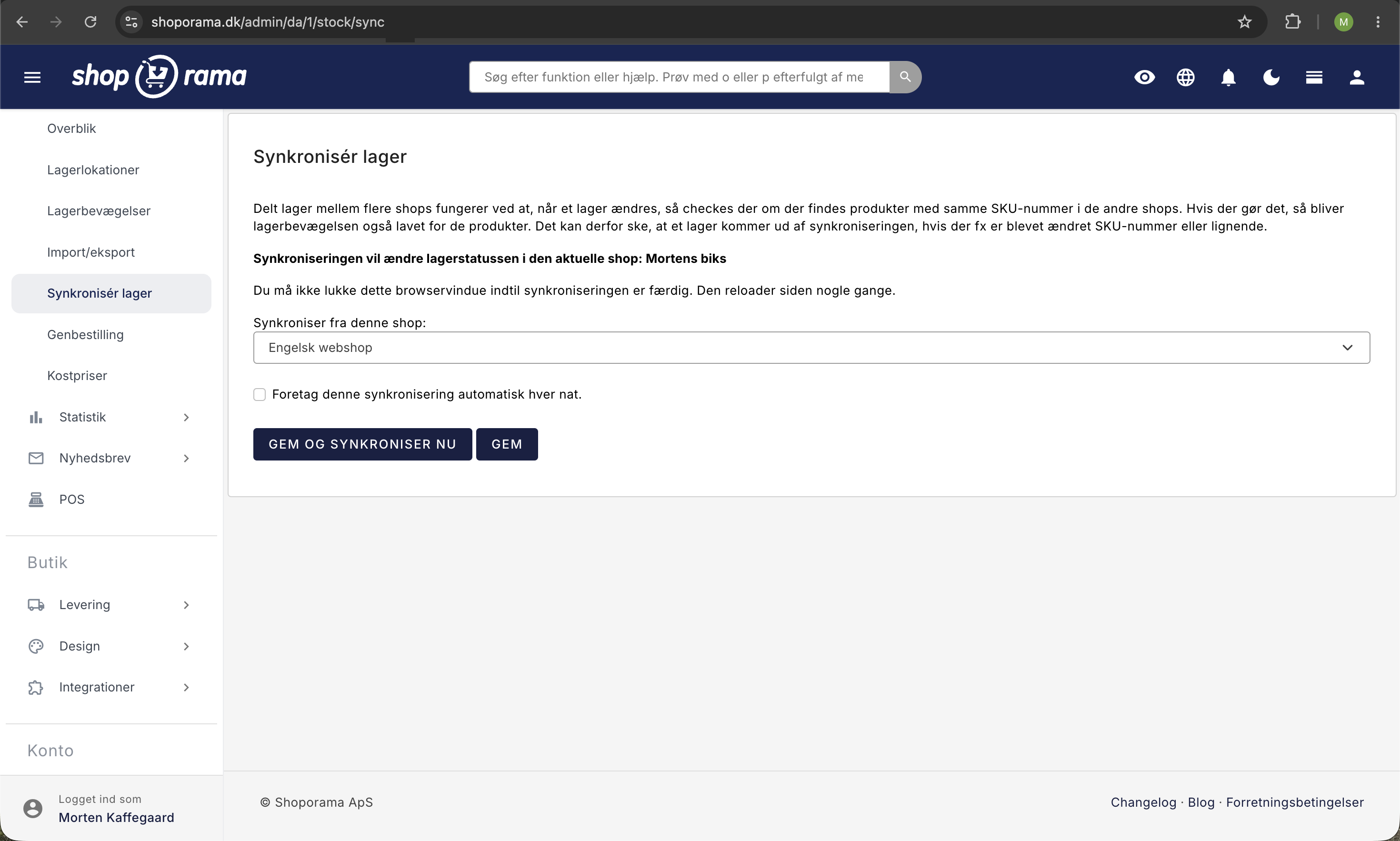
If you have multiple online stores, you can use shared inventory to automatically synchronize inventory across stores. When a variant is sold in one store, the inventory is automatically adjusted in all stores.
Tip
Make sure each variant has a unique SKU. It is the SKU that links the inventory import to the correct variant. If two variants share the same SKU, the system cannot determine which one to update.
Need help? Contact us at support@shoporama.dk.
Related articles
Show variants not in stock
Guide to display out-of-stock variants in your Shoporama theme so customers can see the full range and sign up for stock alerts.
Shared inventory between webshops
Guide to setting up shared inventory so that two Shoporama webshops draw from the same inventory.
Stock notification: Notify your customers when items are back in stock
Learn how to set up email notifications so your customers can be notified when out-of-stock products are restocked in your Shoporama online store.
Related features
Product variant
A product variant is a version of a product in a different size or color, for example. Read about variants, inventory management and pricing.
Stock integrations
Stock records, stock locations, order list, stock value and automatic notifications. Avoid overselling with Shoporama inventory management.