Now you can control your entire webshop by chatting
You can now manage your Shoporama online store by chatting with Claude in Danish. Create discount codes, add menu items, pull sales figures and more than 100 other things - without opening the admin.
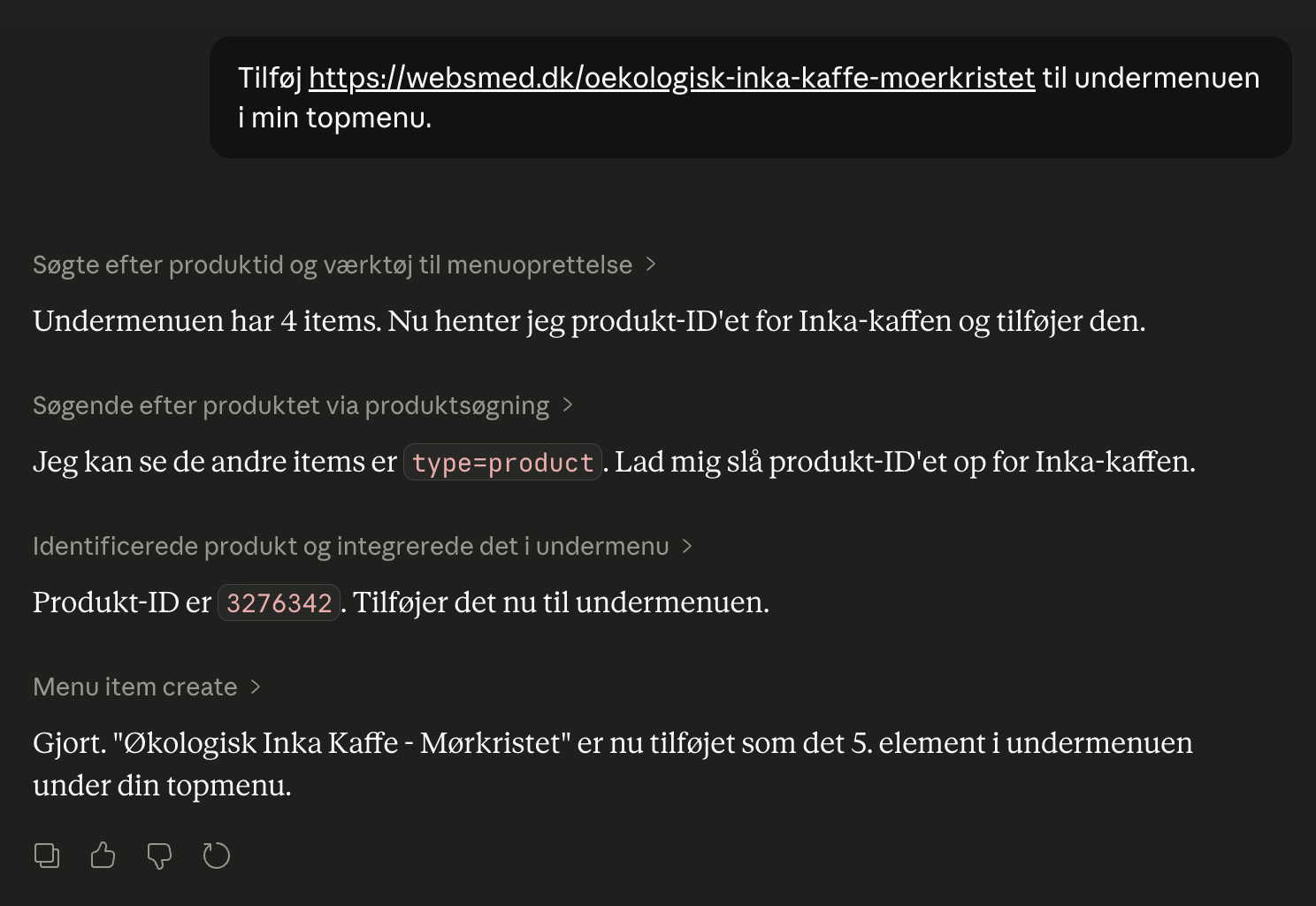
You can now control your Shoporama online store by chatting with Claude.
Claude is an AI chatbot from Anthropic, just like ChatGPT. Once you connect it to your shop, you can write in Danish what you want done and the AI will do it: create discount codes, add menu items, pull sales figures, write blog posts and more than 100 other things.
The setup takes about 5 minutes. It works in Claude Desktop, on claude.ai in the browser and in the Claude app on mobile.
Three examples
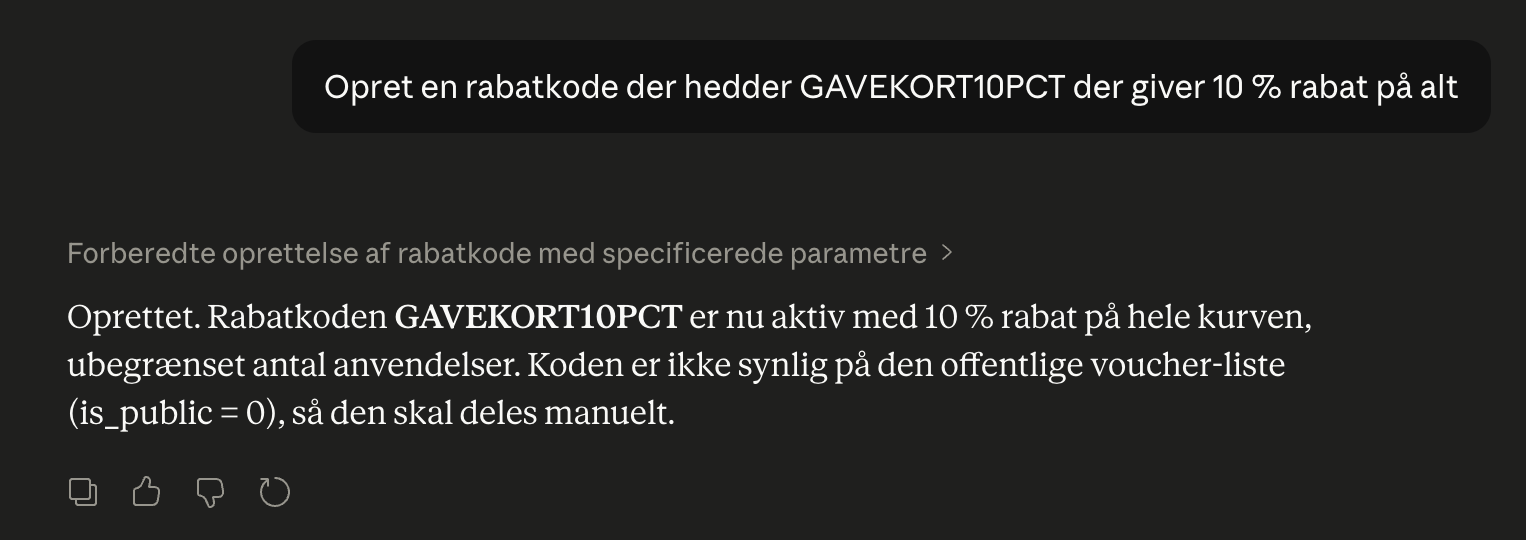
Create a discount code:
"Create a 10% discount code called SUMMER26 and valid throughout June."
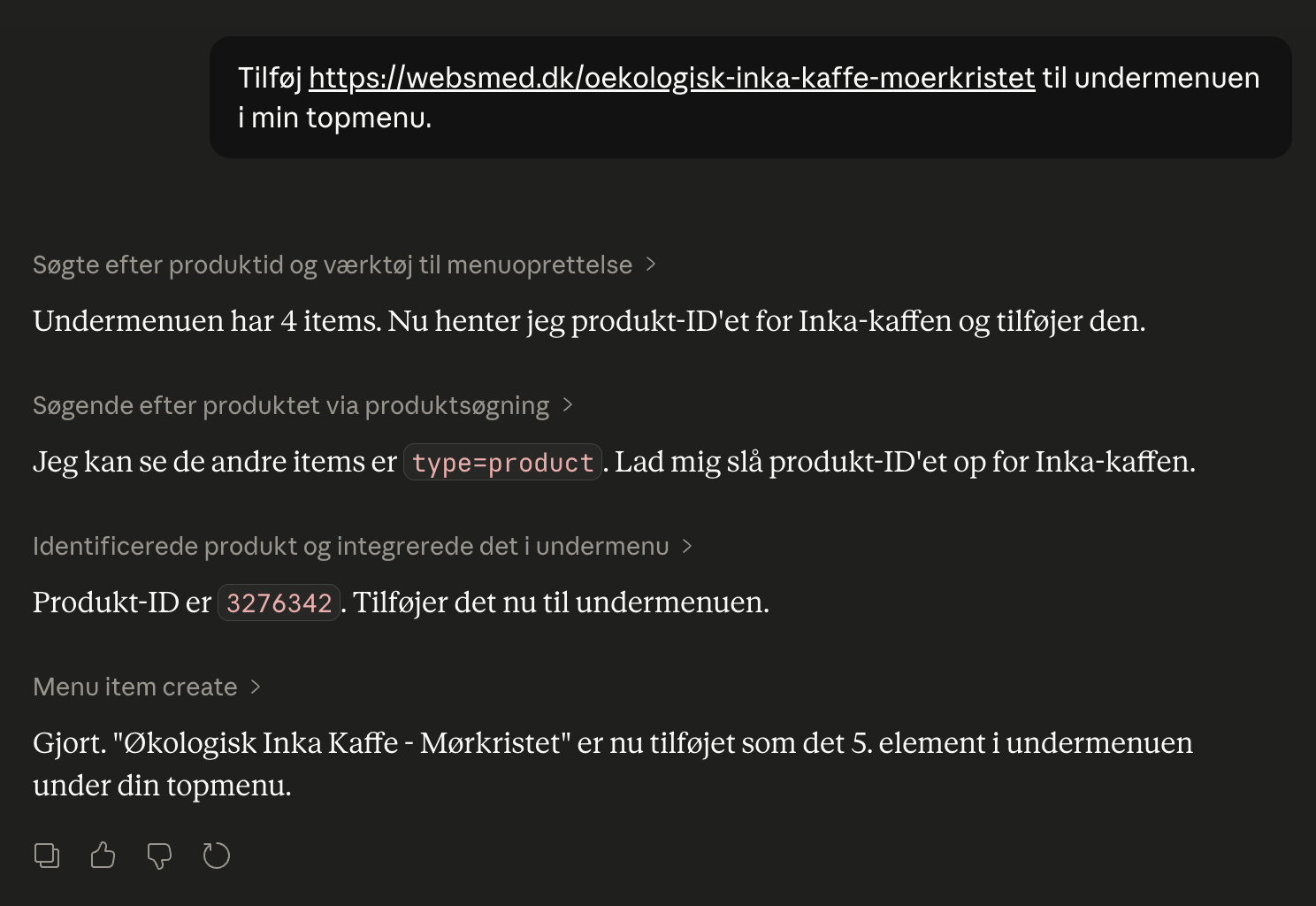
Add a product to the menu based on the URL:
"Add this URL to the submenu in my top menu."
The AI will look up the product and add it to the right place.
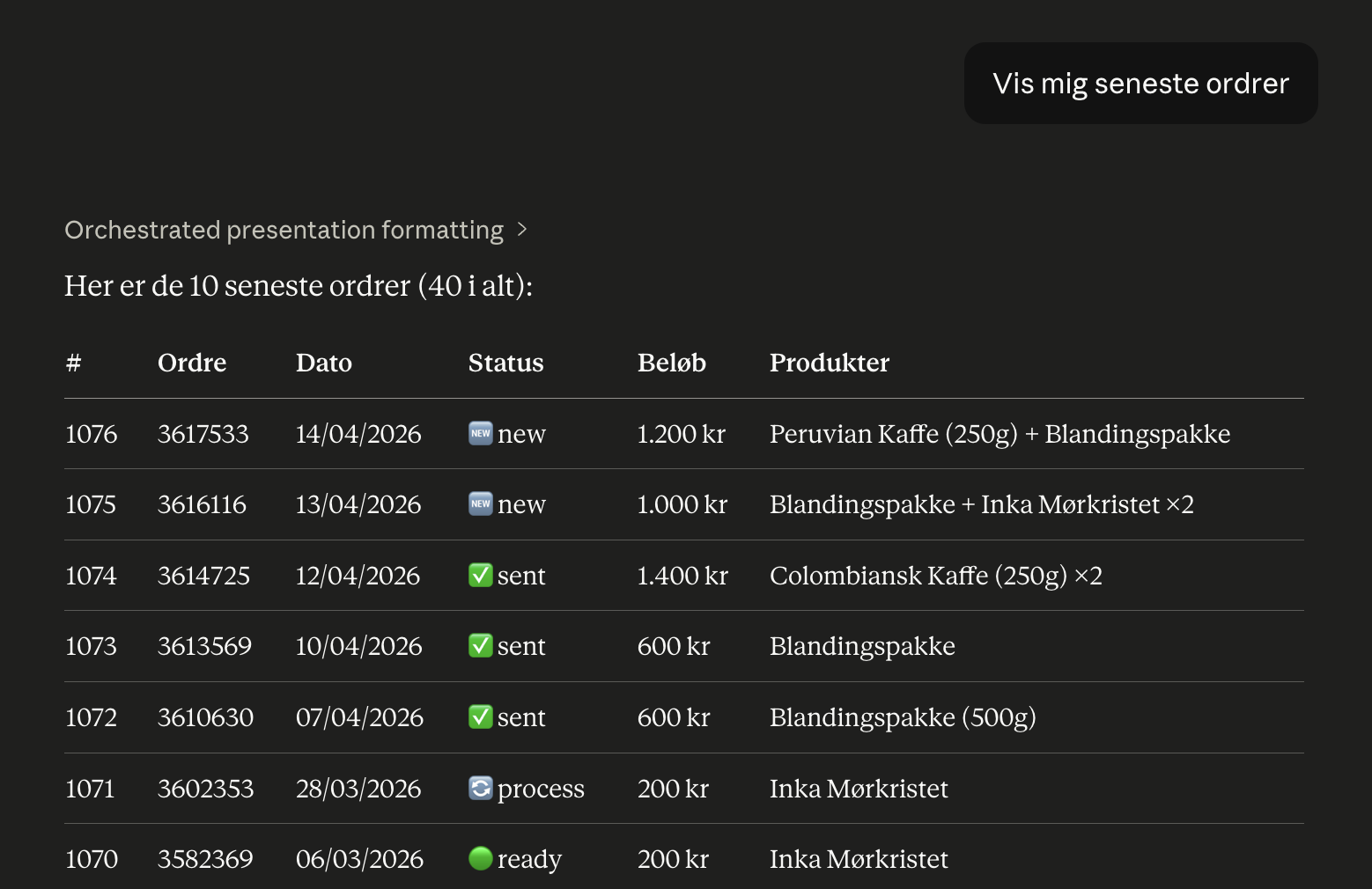
View your recent orders:
"Show my recent orders."
What you need to know
- The AI has exactly the same rights as you in admin. No more, no less.
- All actions are logged in an audit log you can review.
- You can revoke access at any time.
- The AI only does what you ask it to do. It does not take the initiative.
- What you type in the chat is sent to Anthropic as part of the conversation. That's how AI chatbots work.
The price
The connection itself is included in your Shoporama subscription. You must have a Claude account with Anthropic. There's a free tier to start and paid plans if you use it a lot.
Related articles
Manage Your Store with AI: Get Started with Claude and MCP
Connect your Shoporama store to Claude using the connector library or via MCP, and have it create orders, discount codes, and storefronts. Learn...
Copy a product using Claude or the REST API
Here's how to duplicate a product in Shoporama using Claude or the REST API. The copy is always saved as a draft, and you can override the name,...
Customize which tools Claude can use in your shop
AI Audit Log: See What the AI Has Been Up To in Your Store
The audit log shows every action an AI assistant has performed in your online store. See what’s logged, how to filter the log, and how to use it...
More from the blog
New Free App Sends Online Store Orders to Business Central
If you use Microsoft Dynamics 365 Business Central, Shoporama can now transfer orders from your online store as sales invoices or sales orders....
31. oktober 2026
New free Billy app replaces the built-in integration
Shoporama has a new, free app for Billy, now called Shine Accounting. It replaces the built-in Billy integration: customer information is reused,...
31. oktober 2026
New free Dinero app replaces the old integration
Shoporama has a new, free Dinero app that replaces the built-in Dinero integration. Your login is valid for one year at a time, errors appear...
30. oktober 2026