GDPR and Cookie Policies for Your Online Store
Overview of the GDPR and cookie regulations for online stores: consent before tracking, documentation, and cookie policies, and how Shoporama meets these requirements.
Alle webshops, der bruger cookies til statistik eller markedsføring, skal indhente samtykke fra deres besøgende. Reglerne kommer fra to steder: GDPR (databeskyttelsesforordningen) og ePrivacy-direktivet, som i Danmark er udmøntet i cookiebekendtgørelsen. Denne artikel giver et overblik over kravene, og hvordan Shoporama hjælper dig med at opfylde dem.
Artiklen er vejledning, ikke juridisk rådgivning. Har du konkrete juridiske spørgsmål om din shop, bør du kontakte din egen rådgiver eller orientere dig i Datatilsynets og Erhvervsstyrelsens vejledninger.
Hvilke regler gælder?
- Cookiereglerne (ePrivacy/cookiebekendtgørelsen): Gælder for alle cookies og lignende teknologier, uanset om de indeholder personoplysninger. Kravet er informeret samtykke, før ikke-nødvendige cookies sættes.
- GDPR: Gælder, når cookies bruges til at behandle personoplysninger, hvilket stort set alle statistik- og marketing-cookies gør. GDPR stiller krav til samtykkets kvalitet og til dokumentation.
Kravene kort fortalt
- Samtykke før tracking: Ikke-nødvendige cookies må først sættes, når den besøgende aktivt har sagt ja. Forudkrydsede felter og "fortsat browsing" tæller ikke som samtykke.
- Frivilligt og granulært: Den besøgende skal kunne vælge kategorier til og fra, og det skal være lige så let at afvise som at acceptere.
- Informeret: Din shop skal have en cookiepolitik, der beskriver hvilke cookies der bruges, til hvilke formål og hvor længe.
- Tilbagekaldelse: Samtykket skal kunne trækkes tilbage lige så nemt, som det blev givet.
- Dokumentation: Du skal kunne påvise, at din løsning indhenter samtykke korrekt, før tracking aktiveres.
Nødvendige cookies kræver ikke samtykke
Cookies, der er teknisk nødvendige for at shoppen fungerer, er undtaget fra samtykkekravet. Det gælder for eksempel kurven, kundelogin og selve samtykke-cookien. Alt, der bruges til statistik eller markedsføring, kræver derimod samtykke. Se den komplette liste over din shops cookies i Hvilke cookies sætter Shoporama?.
Sådan opfylder Shoporama kravene
Shoporama har en indbygget, gratis cookie-samtykke-app, der håndterer de tekniske krav:
- Blokering før samtykke: Statistik- og marketing-cookies blokeres automatisk, indtil kunden har sagt ja
- Granulært valg: Kunden kan vælge mellem kategorierne nødvendige, statistik og marketing
- Ingen dark patterns: "Acceptér alle" og "Afvis alle" vises side om side med samme visuelle vægt
- Nem tilbagekaldelse: Et cookie-ikon er altid synligt, og ved tilbagekaldelse slettes de relevante cookies automatisk fra browseren
- Tidsbegrænset samtykke: Samtykket gemmes med tidsstempel og udløber efter 12 måneder, hvorefter kunden bliver spurgt igen
- Google Consent Mode v2: Samtykke-signalerne sendes automatisk til Google, som siden marts 2024 har krævet det for personaliseret annoncering i EU
Se hvordan du aktiverer og tilpasser appen i Cookie-samtykke og Consent Mode v2.
Dit ansvar som shopejer
Teknikken er kun den ene halvdel. Som dataansvarlig skal du selv sørge for:
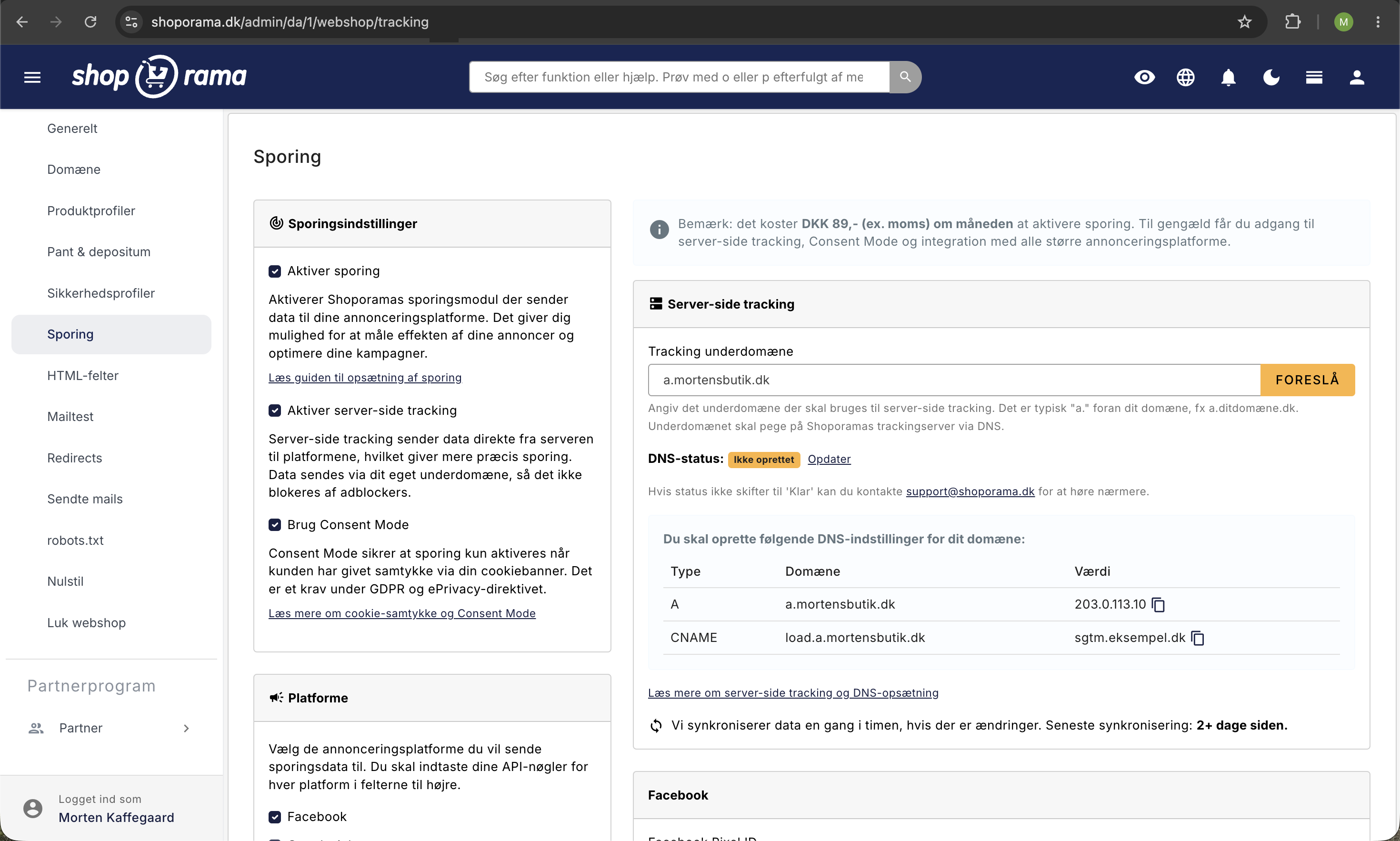
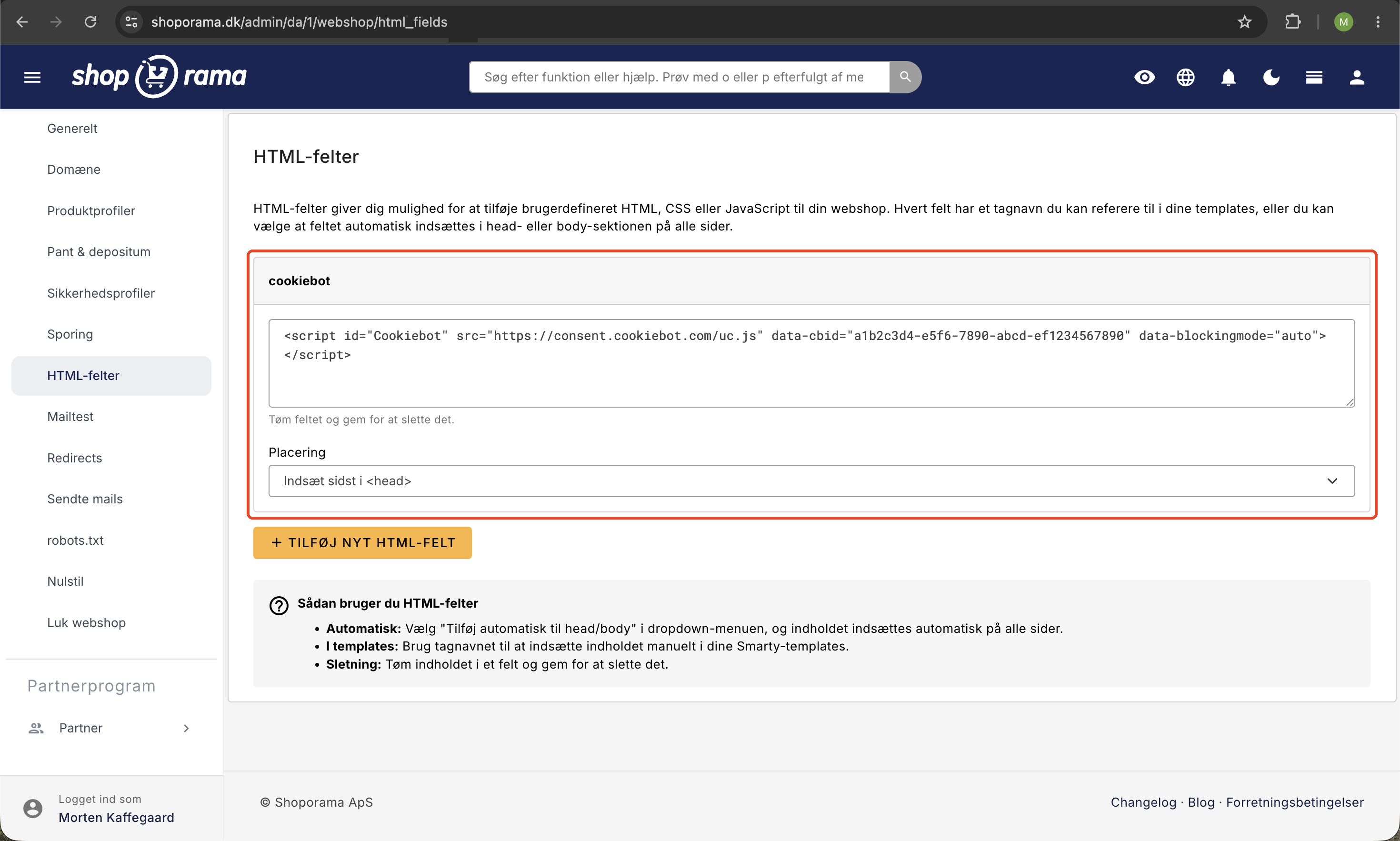
- At cookie-samtykke er aktiveret på din shop, enten med Shoporamas app eller en ekstern løsning som Cookiebot via HTML-felter
- En opdateret cookie- og privatlivspolitik med en liste over shoppens cookies. Tag udgangspunkt i cookie-oversigten
- At politikken holdes ajour, når du tilføjer nye integrationer eller tracking-værktøjer
- En underskrevet databehandleraftale med Shoporama
Ofte stillede spørgsmål
Er Shoporamas cookie-løsning nok til, at jeg overholder GDPR?
Appen håndterer de tekniske krav: blokering før samtykke, granulært valg, tilbagekaldelse og Consent Mode. Du skal selv sørge for en retvisende cookiepolitik og for at holde den opdateret. Ansvaret for den samlede overholdelse ligger altid hos dig som dataansvarlig.
Hvad skal min cookiepolitik indeholde?
Hvilke cookies shoppen sætter, deres formål og levetid, samt hvordan kunden trækker sit samtykke tilbage. Brug cookie-oversigten som udgangspunkt, og husk at tilføje cookies fra dine egne integrationer.
Skal jeg have et cookie-banner, hvis jeg ikke bruger tracking?
Sætter din shop kun nødvendige cookies, kræves der ikke samtykke, men du skal stadig oplyse om cookies i din politik. Aktiverer du statistik eller marketing, skal banneret på, før tracking-cookies sættes.
Kan jeg bruge Cookiebot eller en anden løsning i stedet?
Ja. Du kan indsætte en ekstern samtykkeløsning via HTML-felter. Shoporamas indbyggede app er dog gratis og kræver ingen opsætning hos tredjepart.
Hvordan dokumenterer jeg, at jeg indhenter samtykke korrekt?
Din opsætning er dokumentationens kerne: Appen blokerer tracking indtil samtykke, og hvert samtykke gemmes med tidsstempel i kundens browser. Beskriv løsningen i din cookiepolitik, så kan du påvise, hvordan samtykke indhentes.
Related articles
Cookie consent and Consent Mode v2
How to set up Shoporama's free cookie consent app: categories, automatic blocking, consent revocation, and Google Consent Mode v2.
What cookies does Shoporama set?
A complete overview of the cookies set by a Shoporama online store: name, purpose, and duration. Use this list as the basis for your cookie policy.
GDPR - Data Processing Agreement
Information about data processing agreement with Shoporama according to GDPR.
Data Processor Agreement
Guide to approving the data processing agreement with Shoporama under the GDPR.
Related features
Cookie Consent - free and GDPR friendly
Free cookie consent included in Shoporama. Google Consent Mode, categorized cookies, automatic blocking and consent logging. GDPR ready.
Shoporama vs WooCommerce
Compare Shoporama and WooCommerce: price, security, speed, GDPR and maintenance. Find the best online shopping platform for your business.
Webshop with Claude
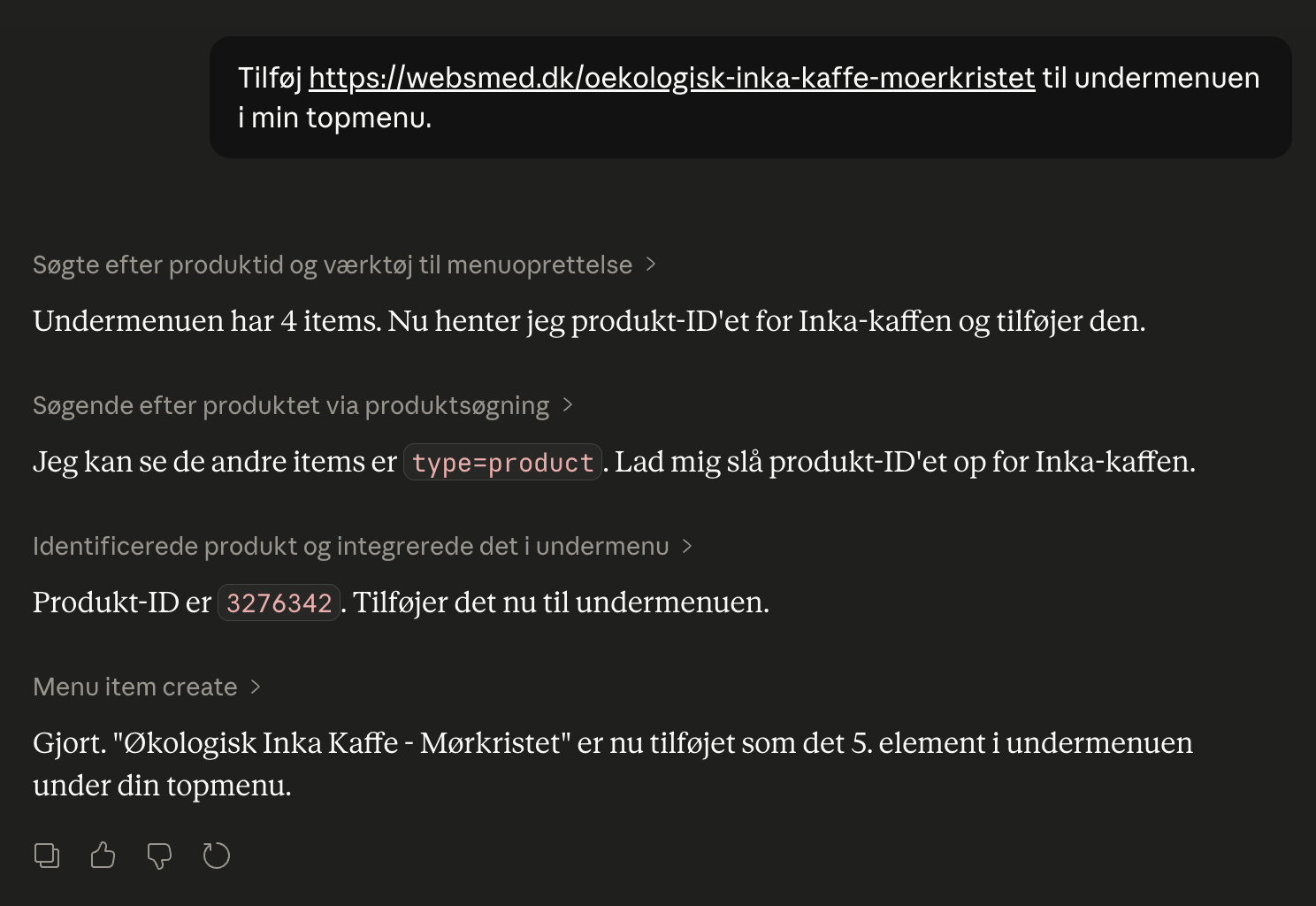
Connect your Shoporama webshop with Claude and manage products, orders, campaigns and designs by typing in Danish. No code, full control, audit log.